Case study•BookIt Handoff

Getting a prospect onto the right rep's calendar before the call ends

When a prospect is ready to talk, someone has to find the right rep and a time they're free. I designed Handoff so a rep does it from the Salesforce record in seconds, without needing to understand the routing behind it.
Role
Sole Product Designer
Team
PMPM+4
Timeline
Mar 2023 - Mar 2024
Status
Shipped
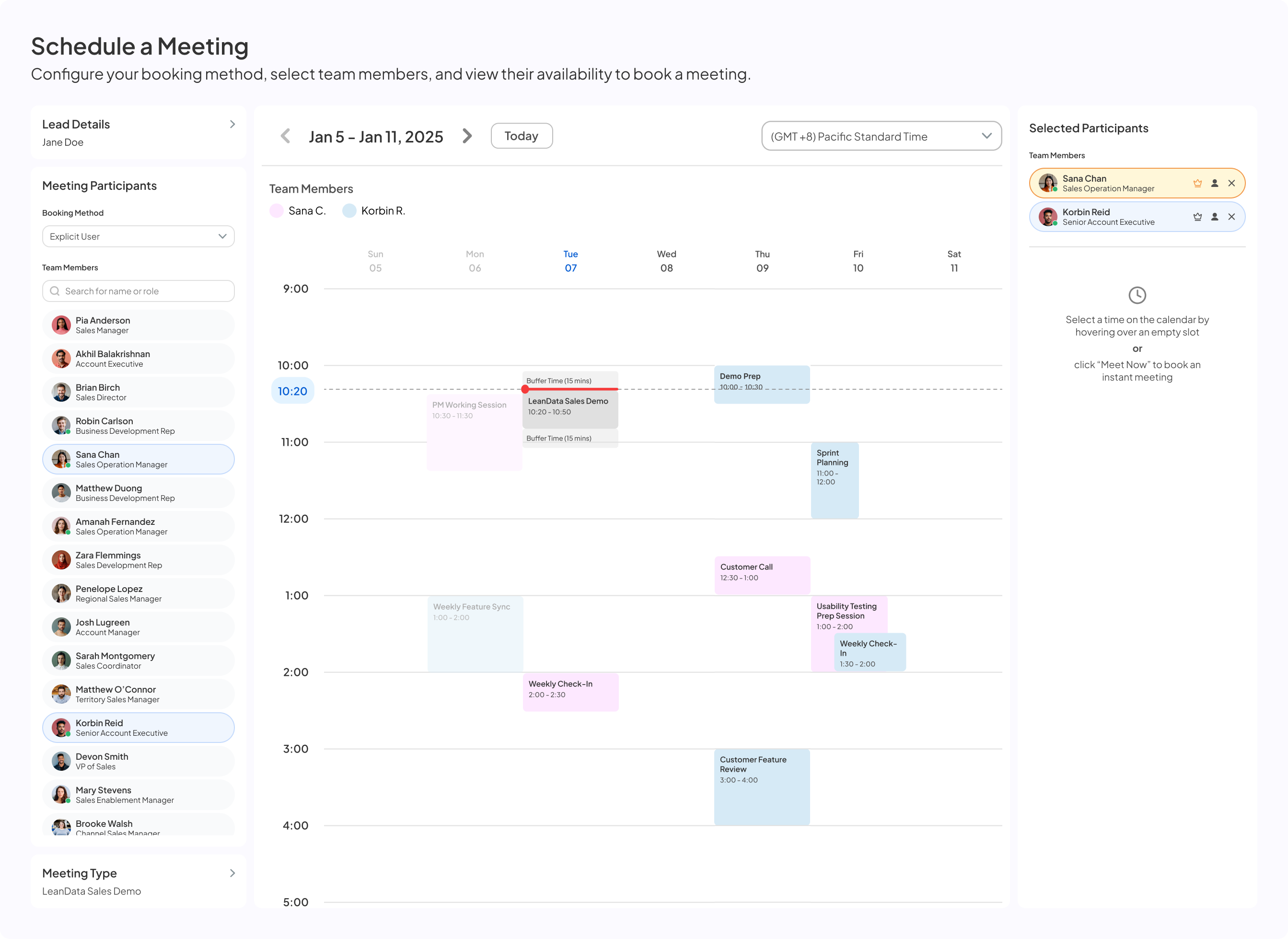
Final Handoff booking flow: calendar grid, team panel and confirmation
$1.2M

ARR in year one, as its own licensed product line

50,000+

meetings booked straight onto reps' calendars

4,000+

active users across sales teams

2.3s

average time to book, from opening it to a confirmed meeting

01The problem

A prospect raising their hand was only step one

Then someone had to work out who should take the call and when they were free. Schedulers did it by hand.

1Book the prospect

Get a yes and a rough time.

2Find the rep

Spreadsheets, ownership rules, or memory.

3Check calendars

One at a time, or ask around in Slack.

4Email back and forth

Until a time sticks.

5Send the invite

Often with the wrong people or missing context.

Meanwhile, the deal cools.
The hard part
Not the calendars. The routing.

Handoff sits on LeanData's routing graph, a powerful and deeply technical engine. My job was to make its answer something a rep would trust in seconds, without asking them to understand how it got there.

02The call

A rep is live on a call. The prospect wants to talk to an AE now

Every decision was tested against that moment. The rep has seconds, and doesn't know how routing works.

Where it starts

The button lives where the rep already is
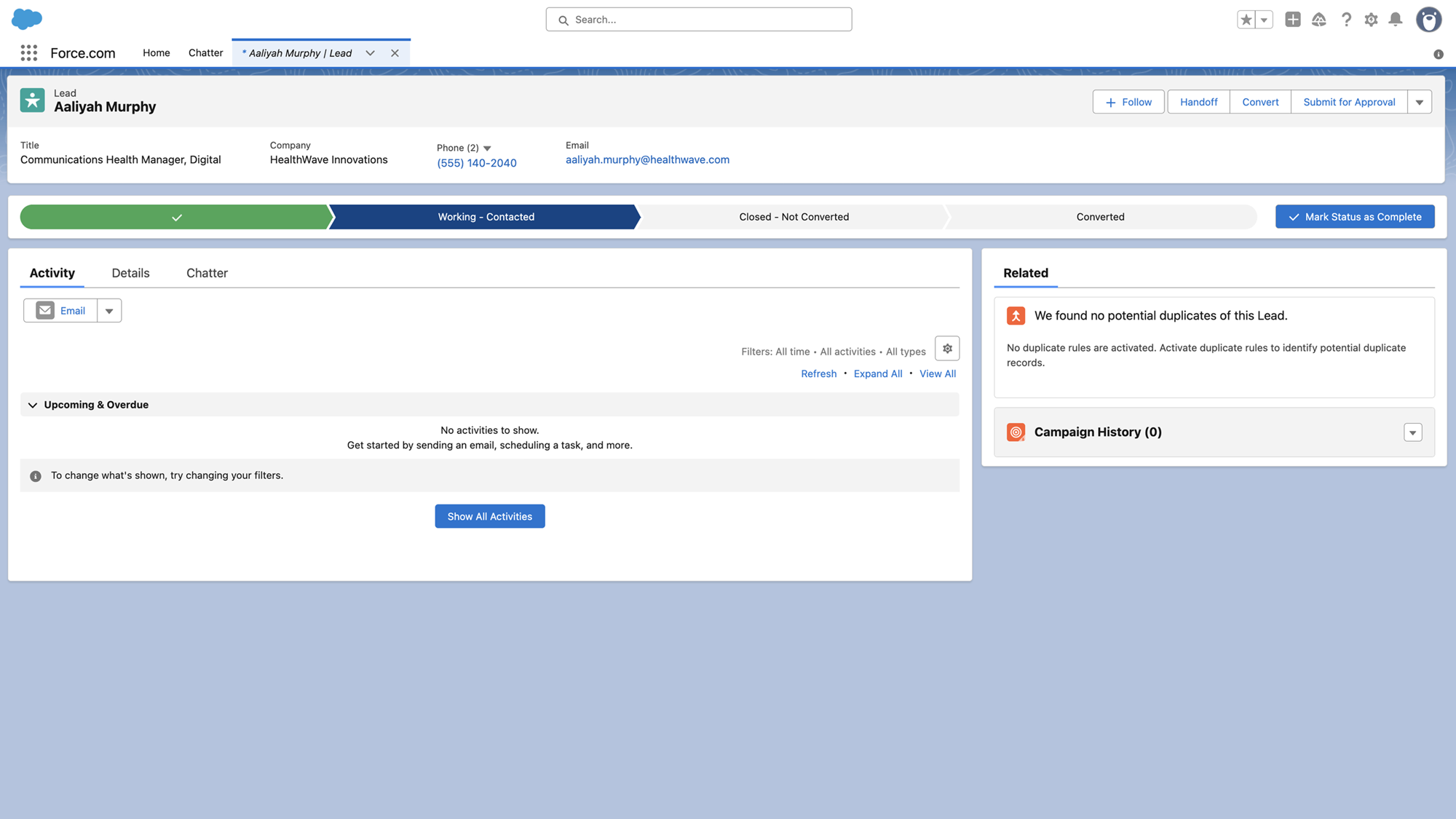
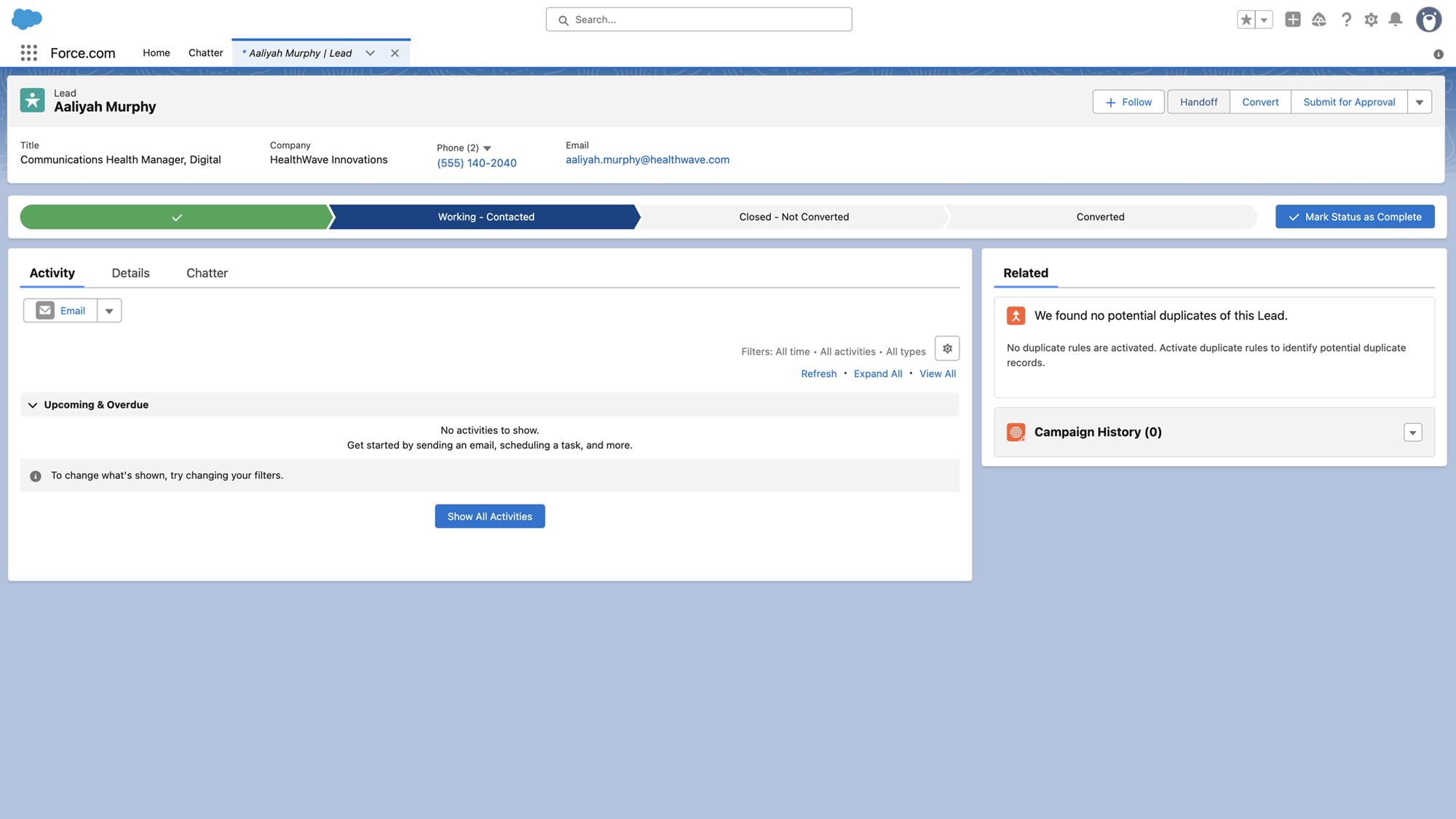
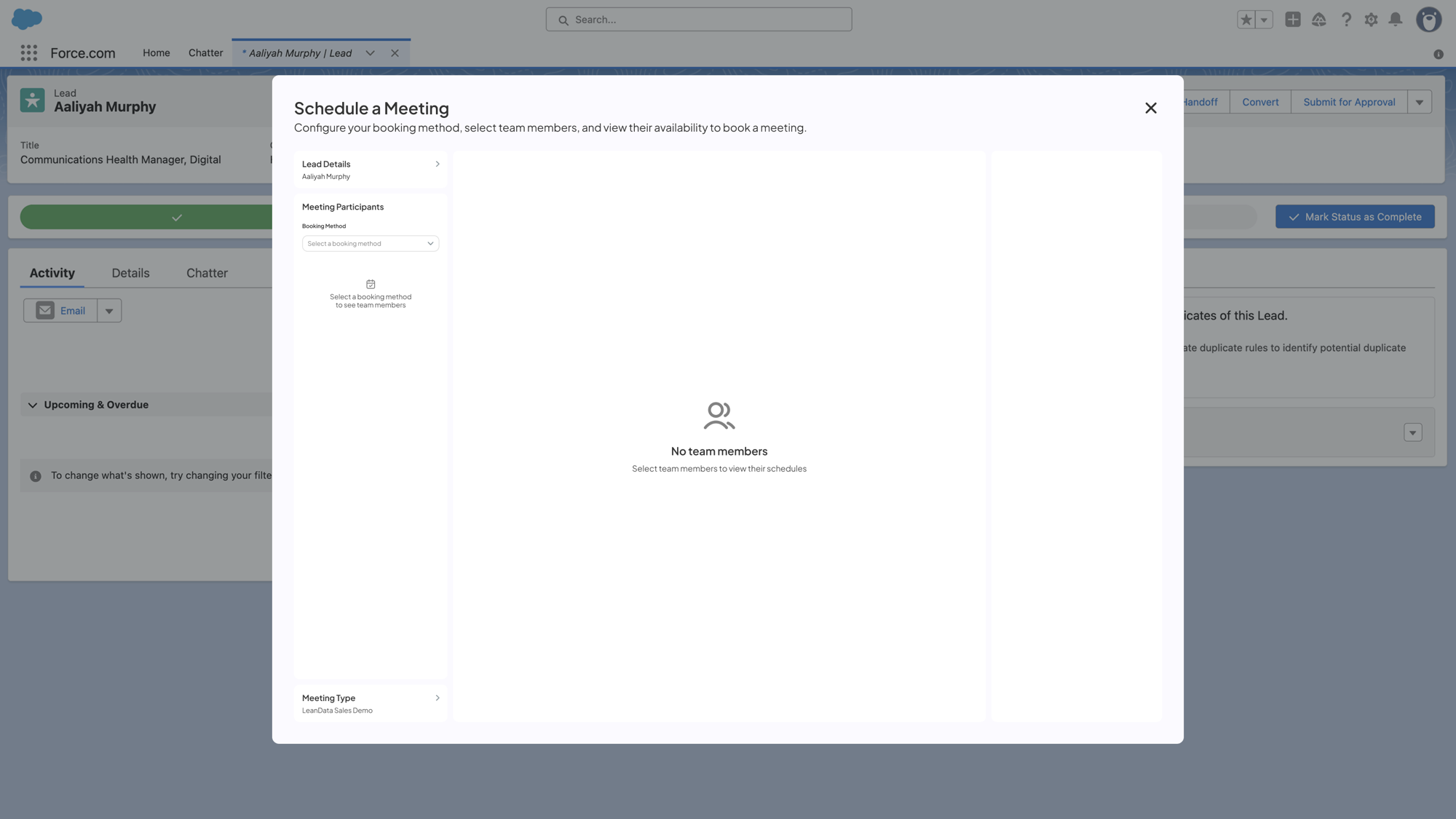
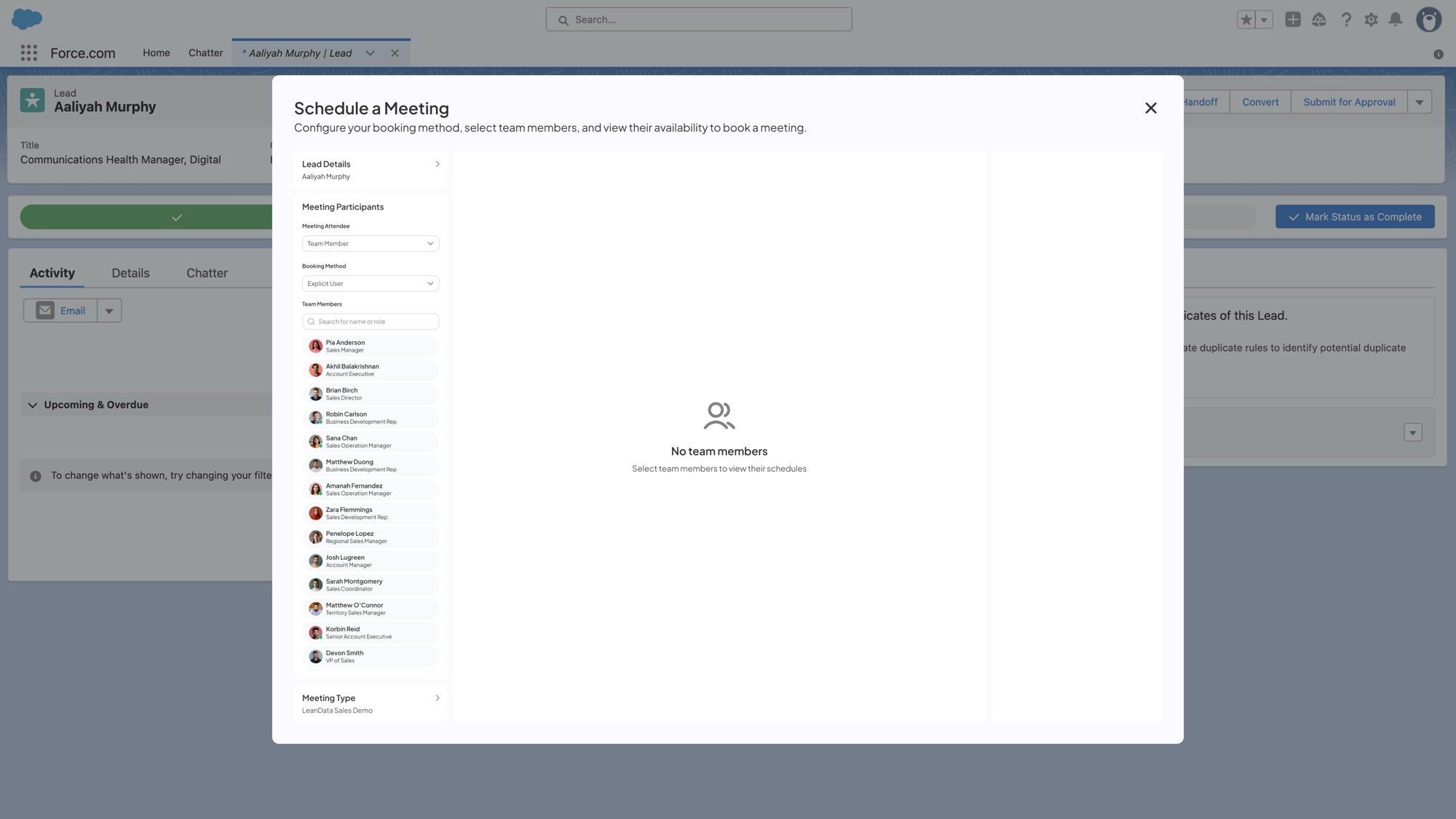
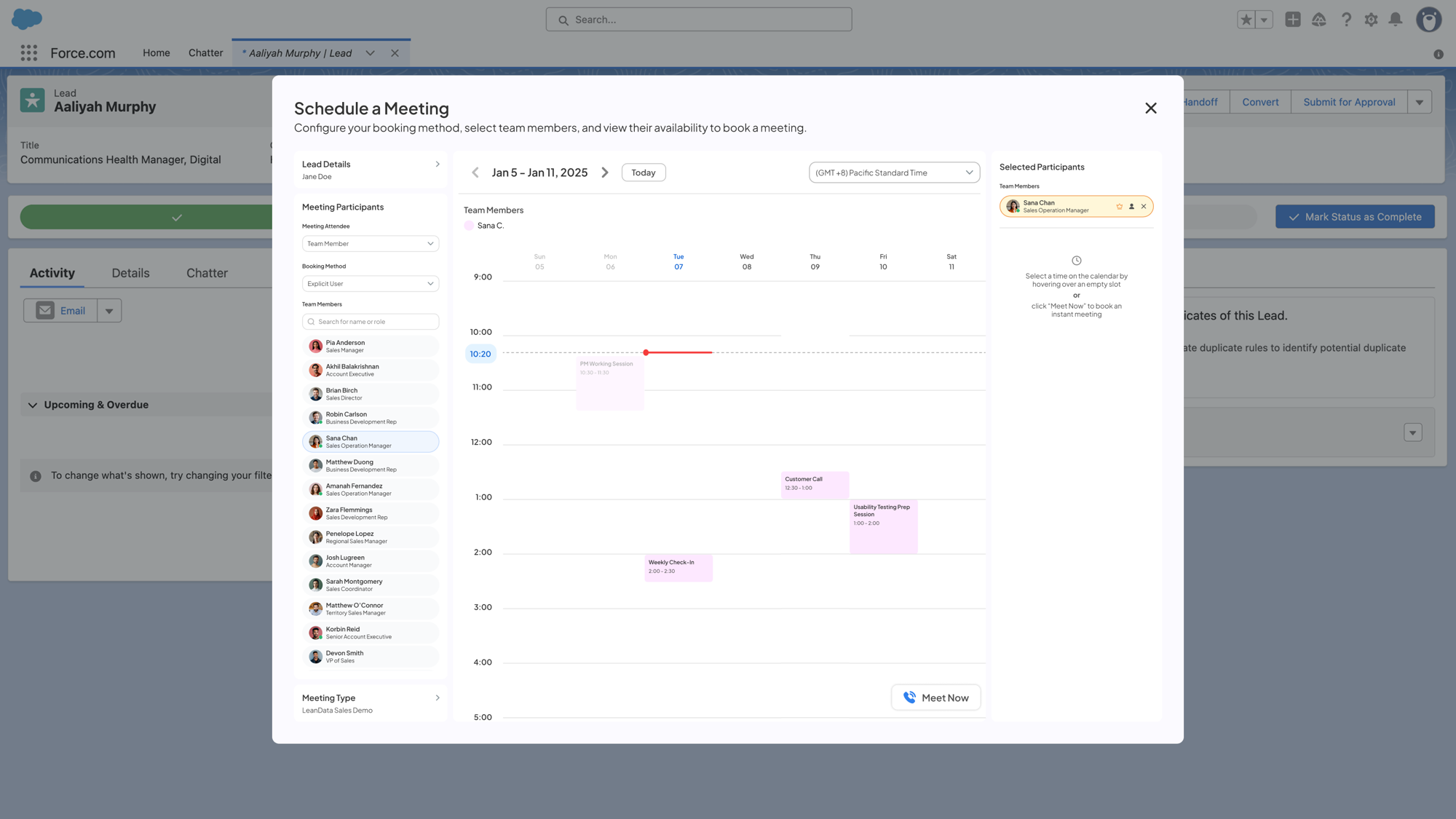
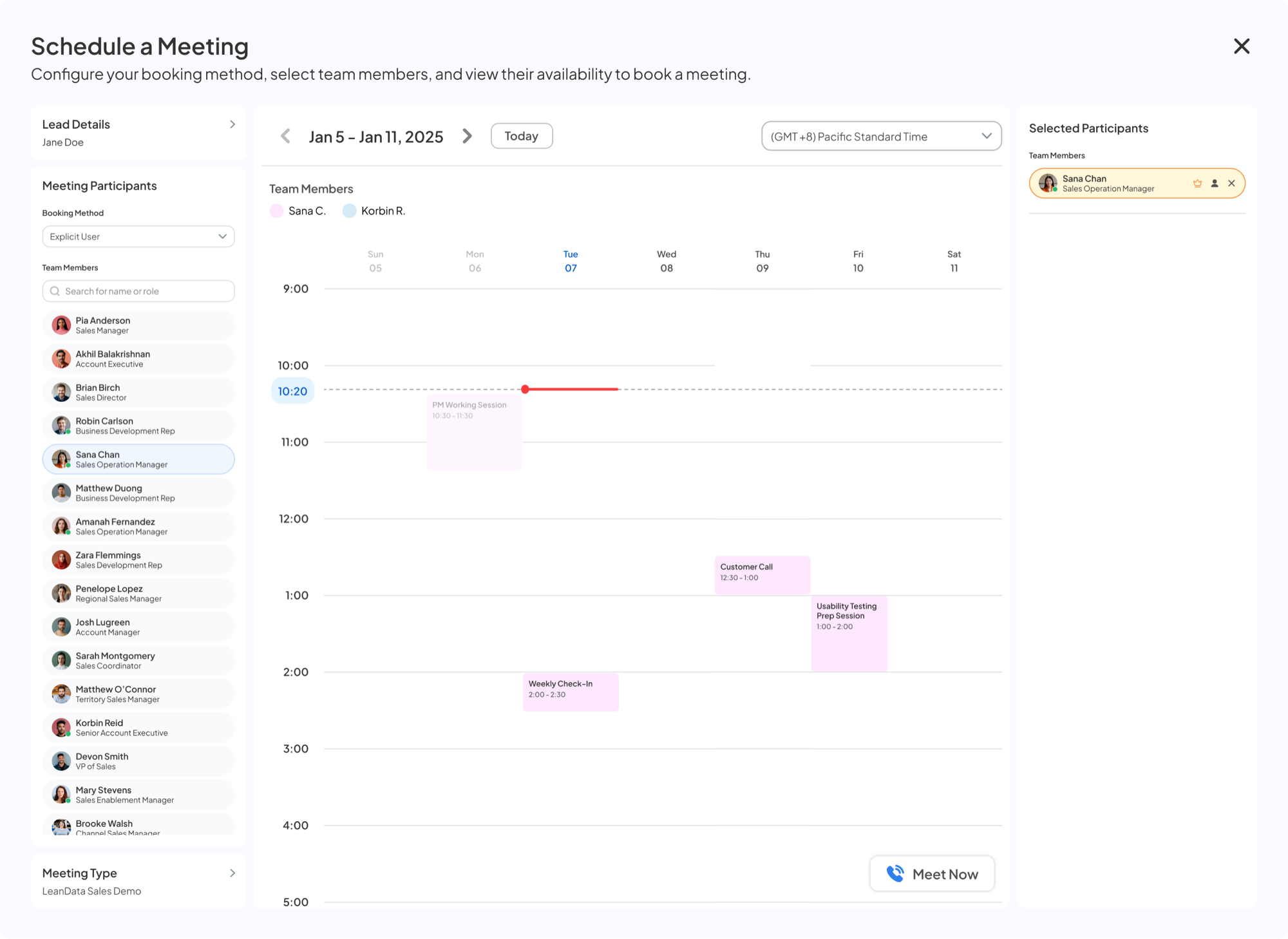
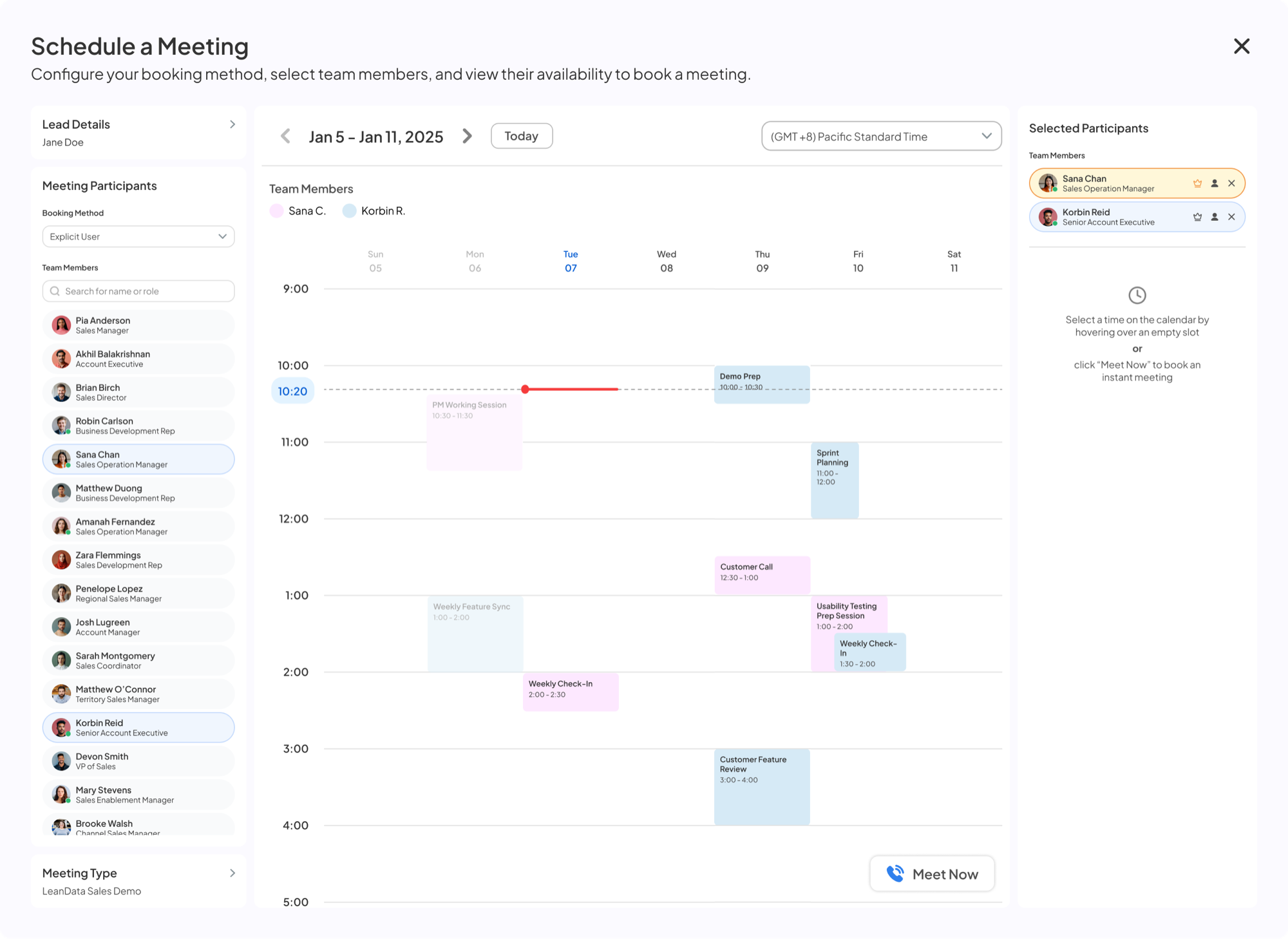
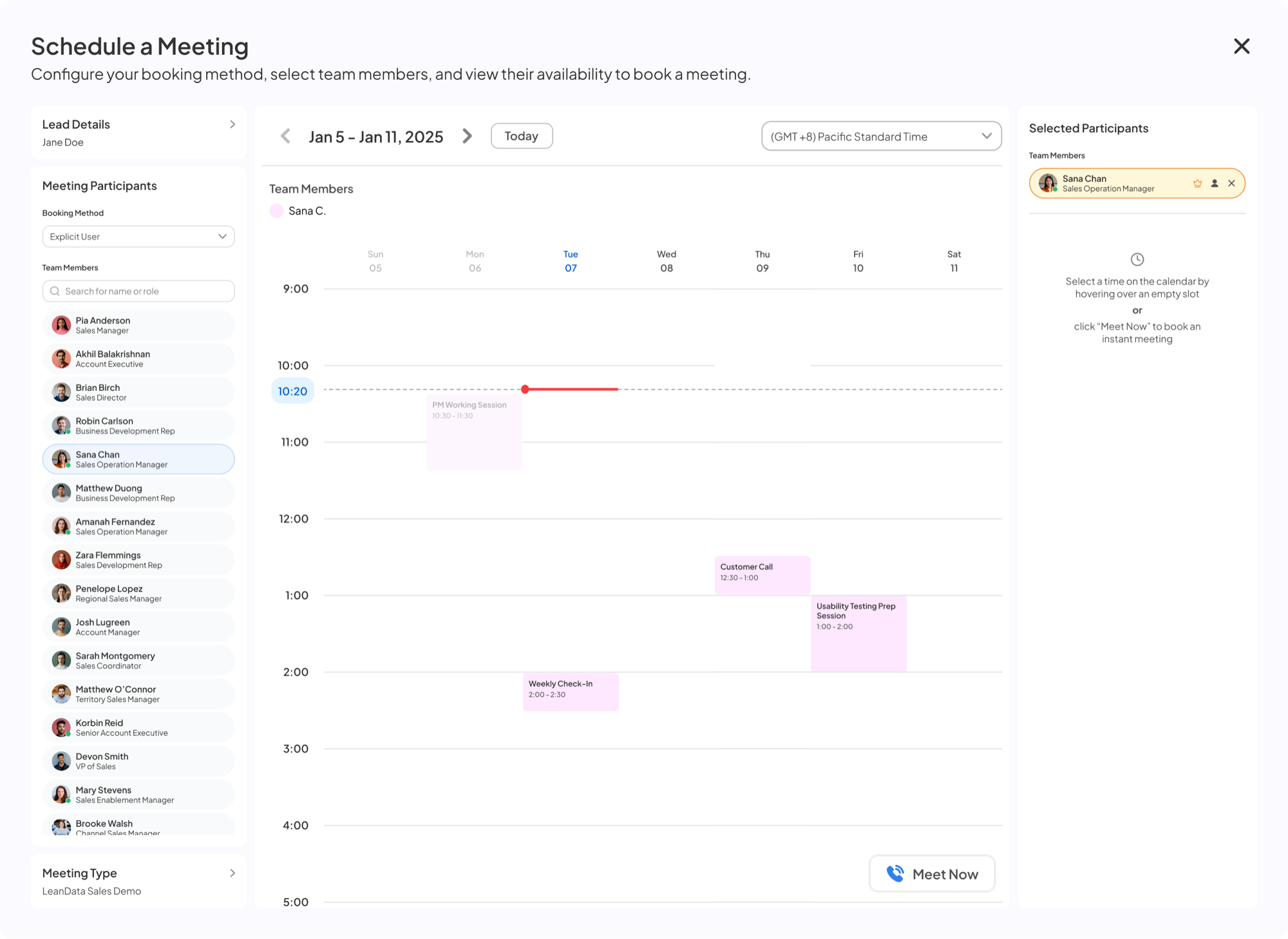
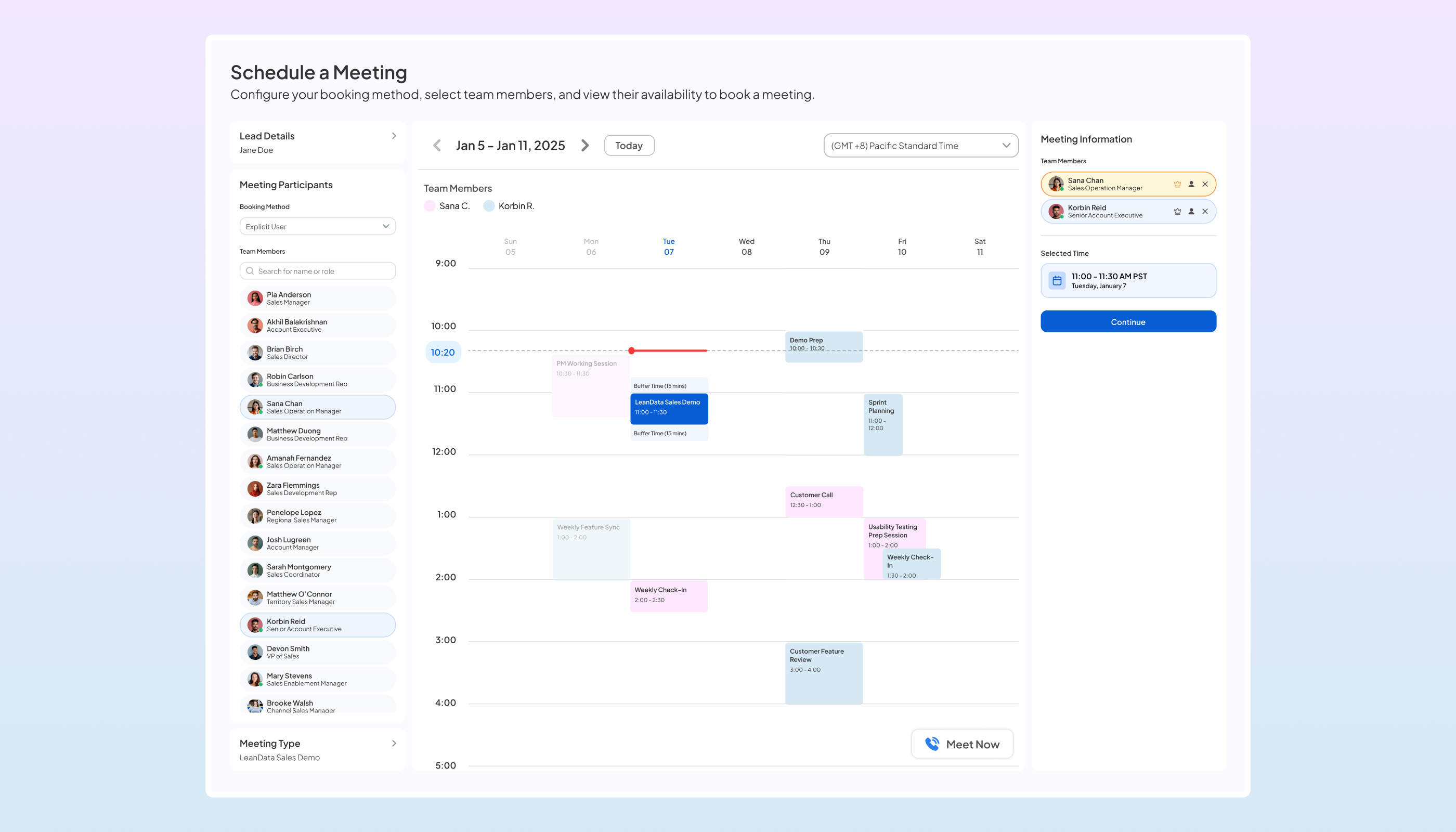
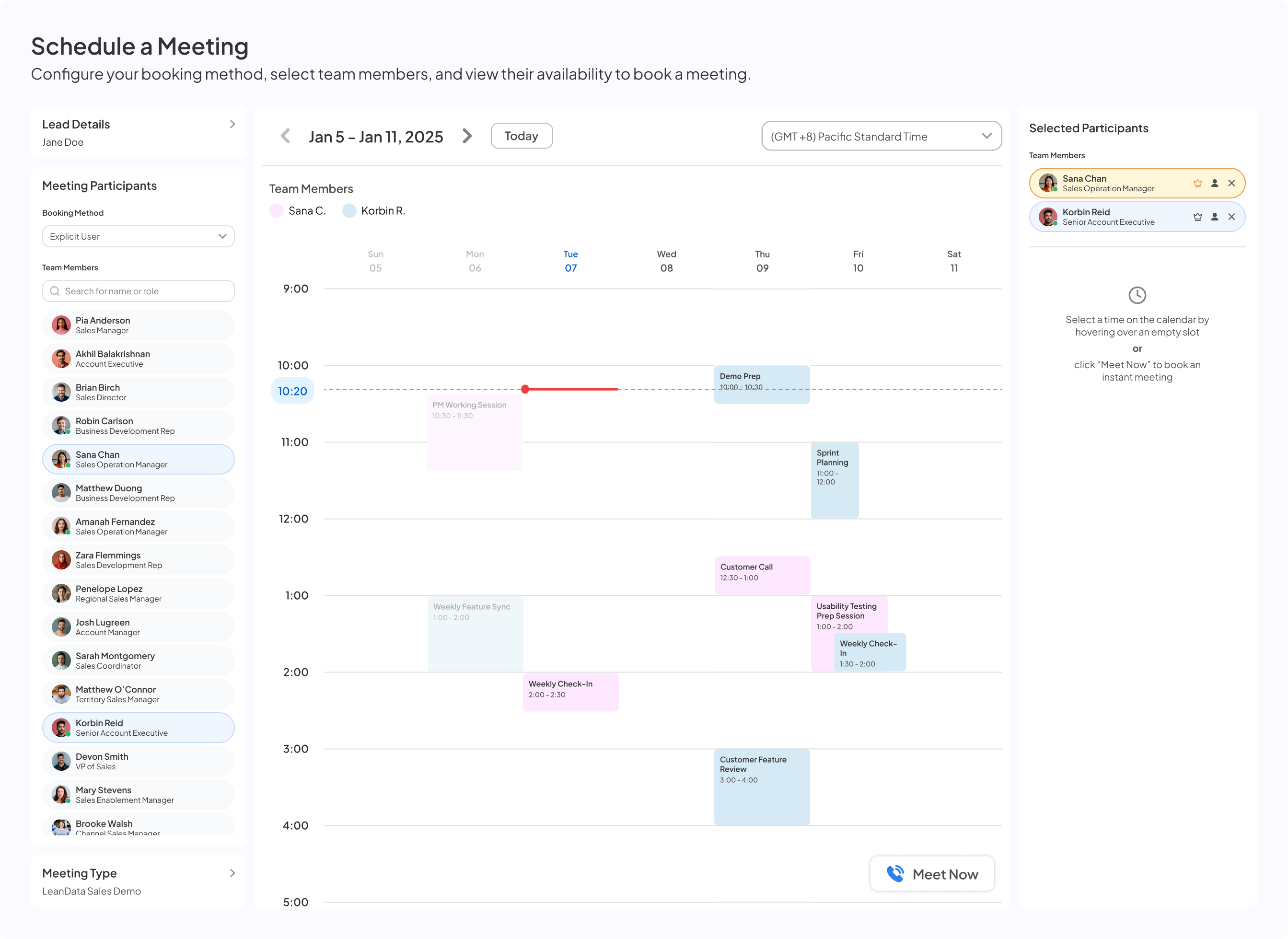
Salesforce lead record with Handoff button Handoff button hover state Schedule a Meeting modal opens Booking method selected, team members list shown Sana Chan added, calendar visible
On the record

Handoff opens from the Salesforce lead, not our app.

Mid-call

Designed for time pressure, not for browsing.

No detour

Our product's front door mattered less than the rep's moment.

Who's free

One green dot, not three colors

What we tested
0%

of testers could correctly identify the intended meaning of yellow and red statuses

What shippedIllustrative
AKAlex KimAccount ExecutiveAvailable now
SPSam PatelAccount ExecutiveAvailable now
TLTaylor LeeAccount ExecutiveNot available
Reps needed a yes or no, not a set of reasons someone was busy.
Booking now

A button beat a ghost block

A · Ghost block
Version A: a ghost block holding time on the calendar

Testers read it as another rep's meeting.
B · Meet NowEvery tester picked it
Version B: the Meet Now button, shown only when someone is free

It only appears when someone is free right now.

On naming

It started as "Instant Handoff." Renaming it "Meet Now" said what it does, and fixed a positioning problem the UI couldn't.

Before it sends

I added friction with a purpose

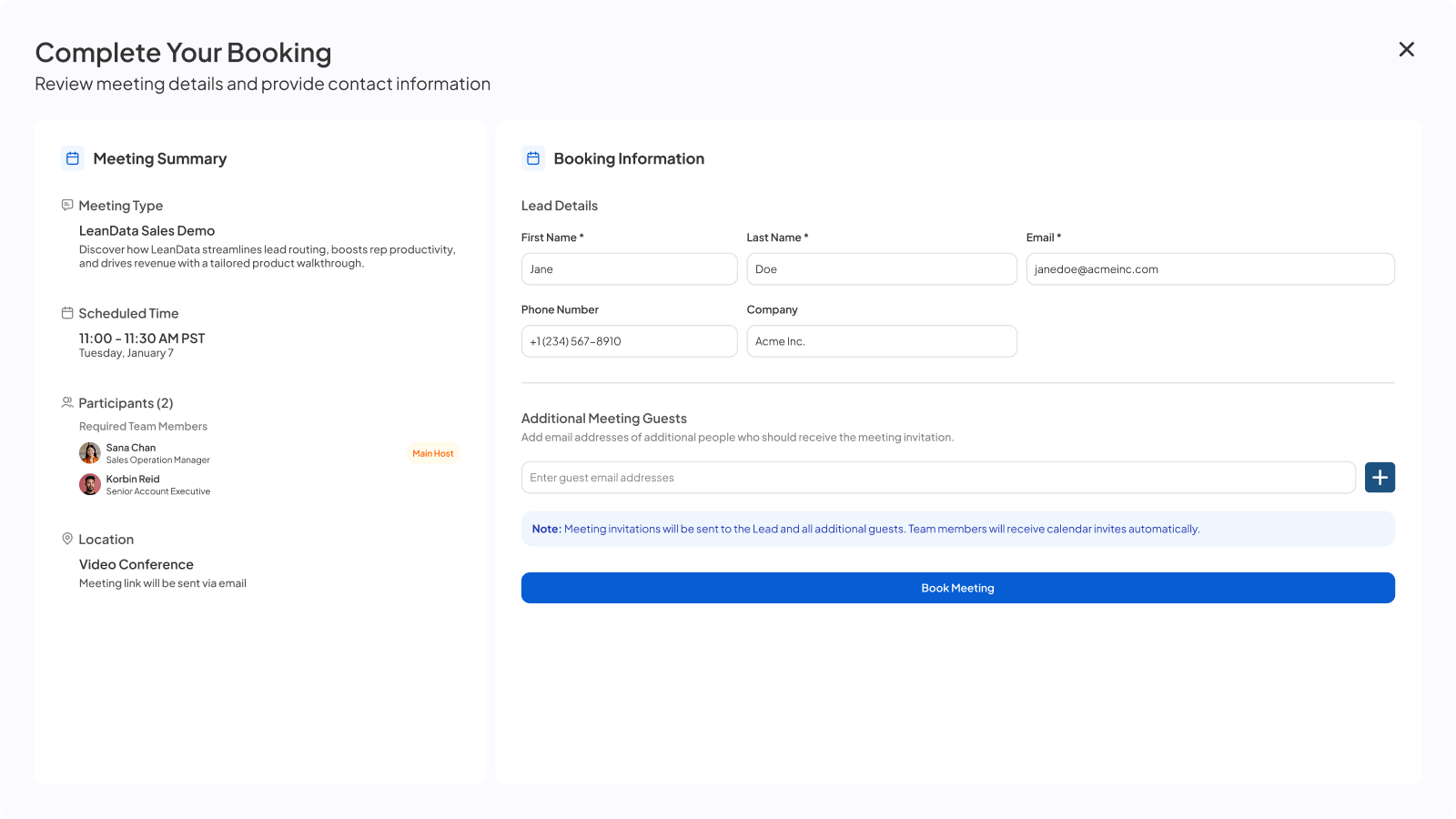
Booking confirmation with editable name and email
Without it
3 steps

Back out, fix Salesforce, rebook

With it
1 step

Fix the name or email inline

Before launch

A new PM caught what I'd missed

“After months in a flow, I'd stopped seeing what a new user would. The fix was getting fresh eyes on it instead of trusting my own.”
What happened

A new PM joined and hesitated on flows I considered done. I set up structured usability testing, and it caught both the three colors and the ghost block before launch.

03What shipped

The system, by what it did for the rep
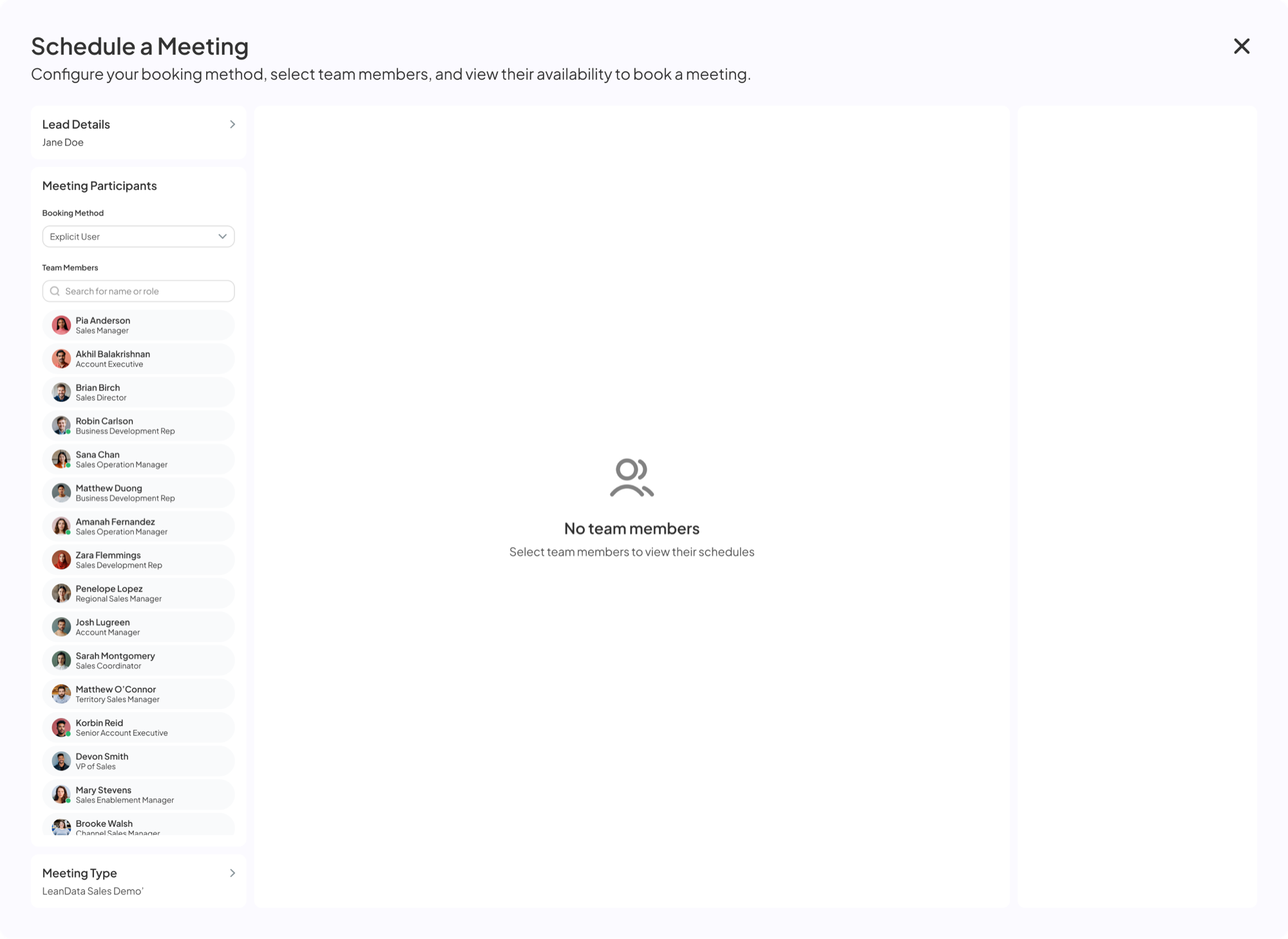
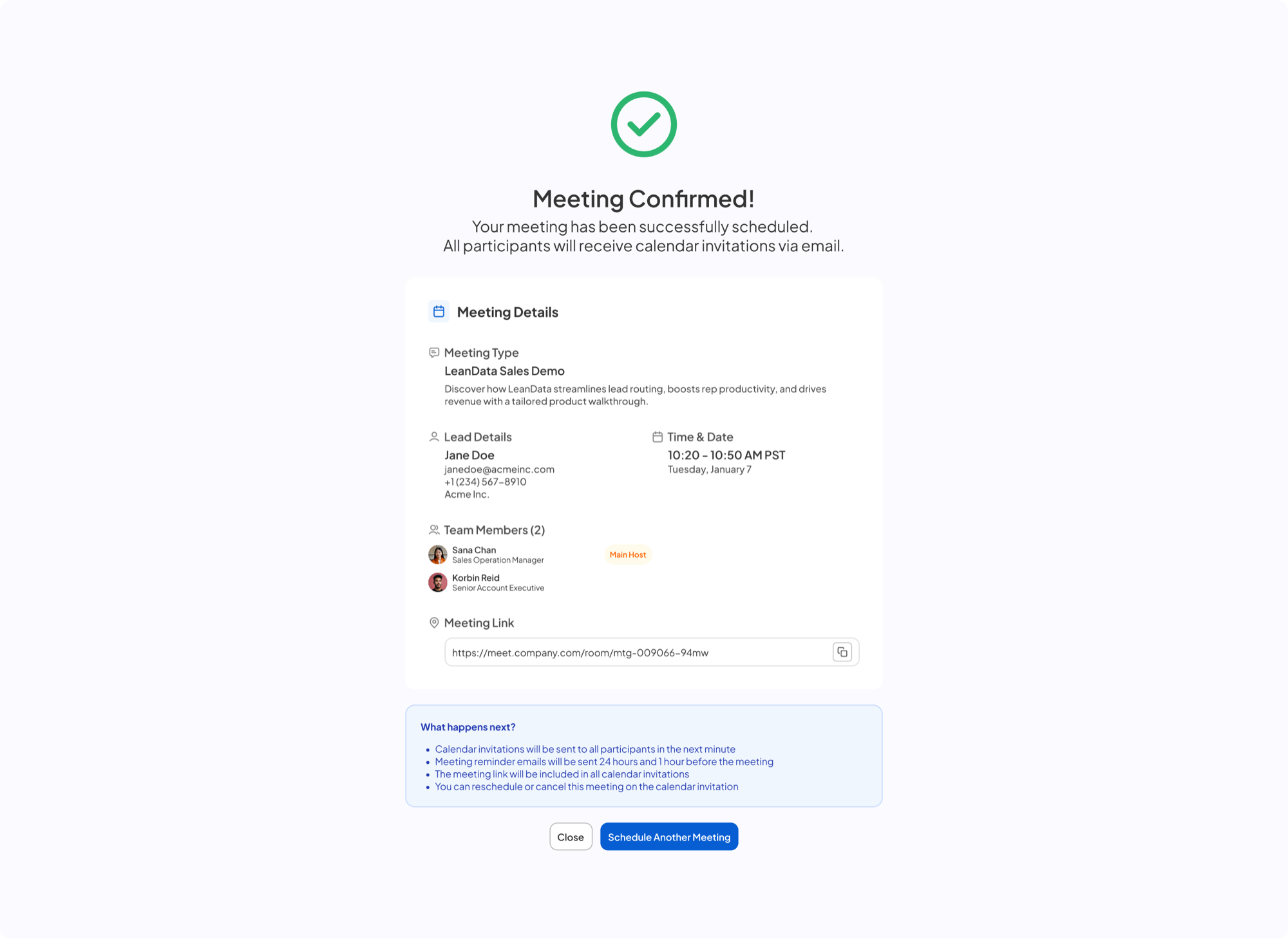
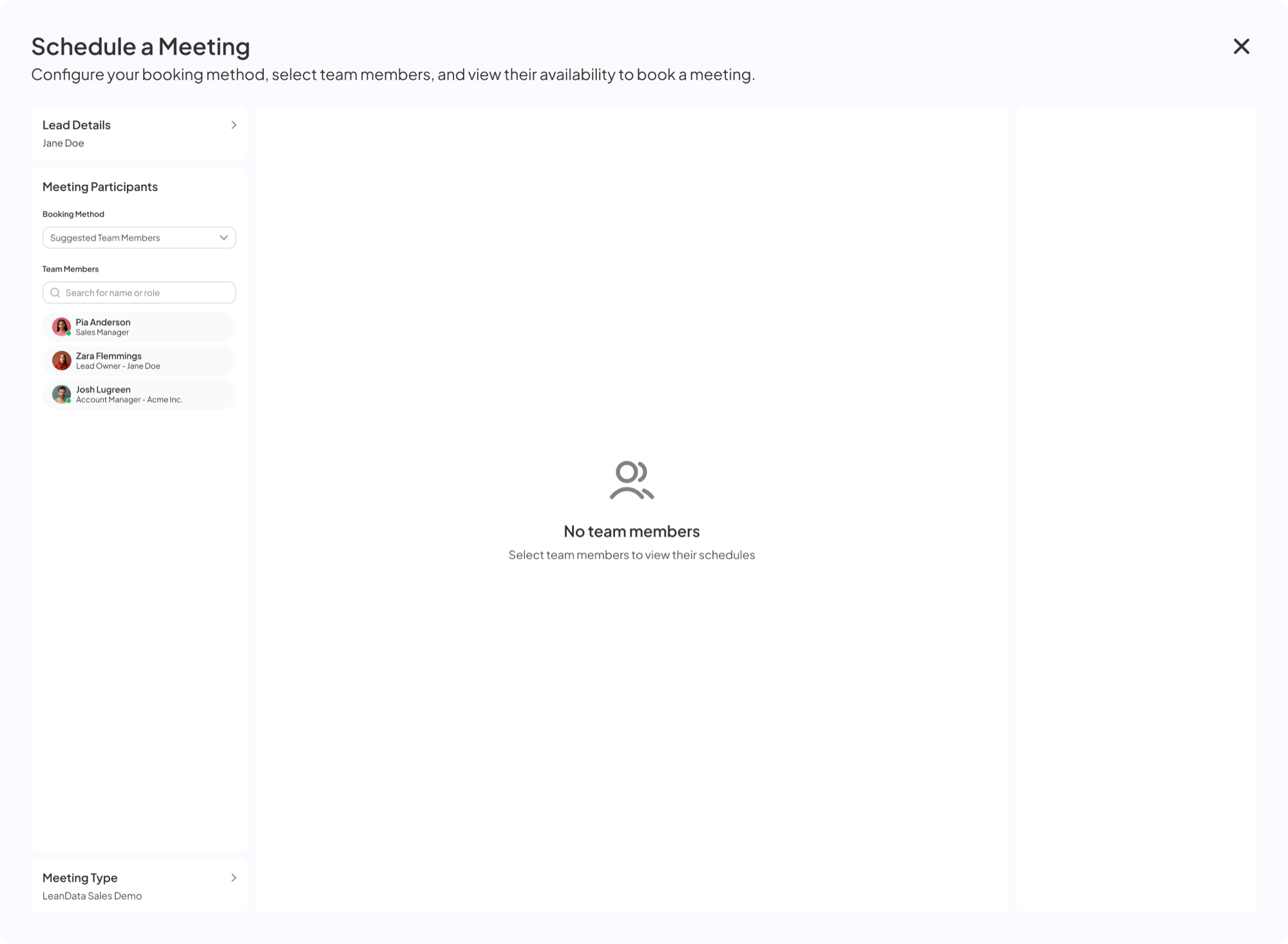
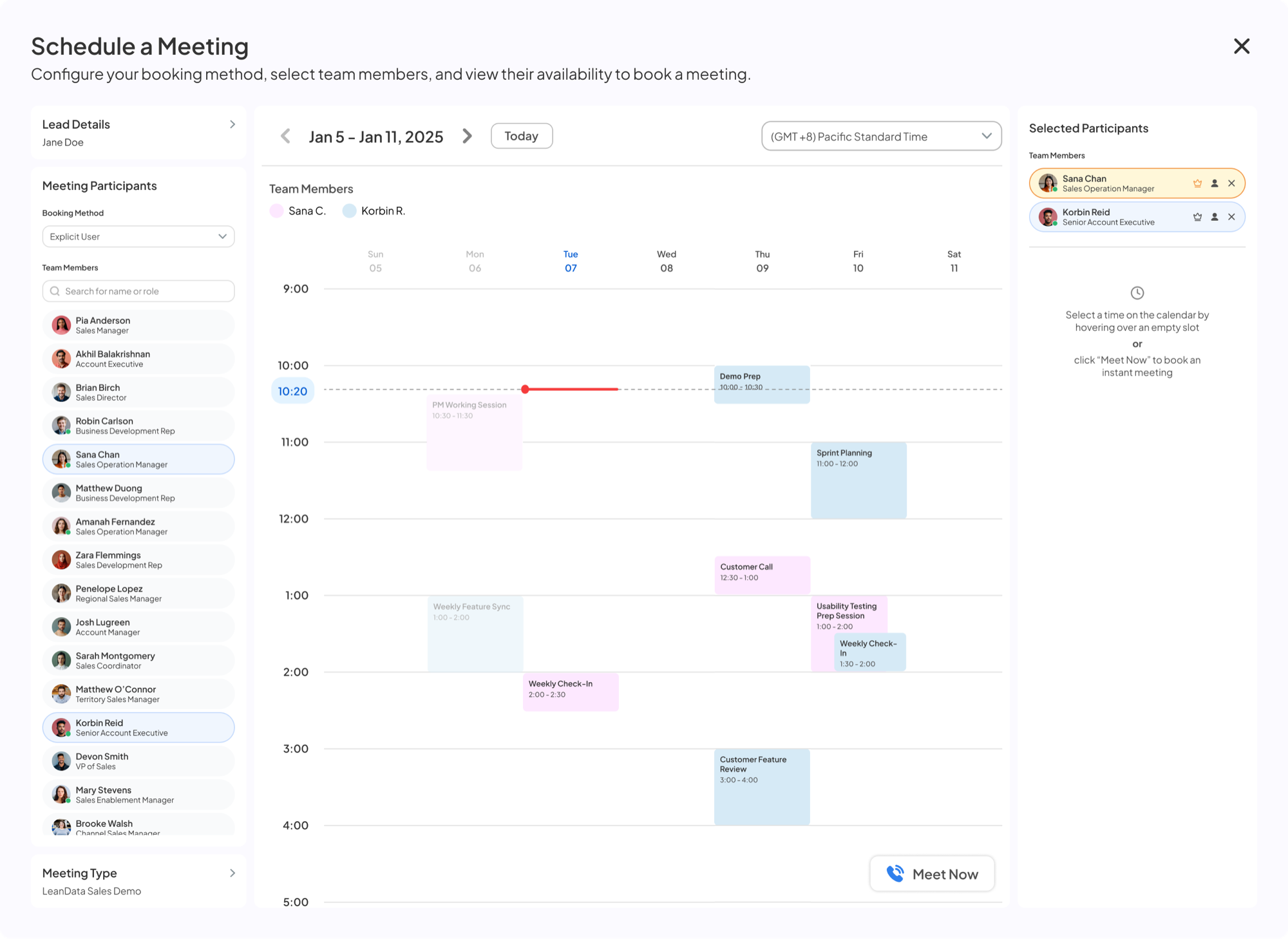
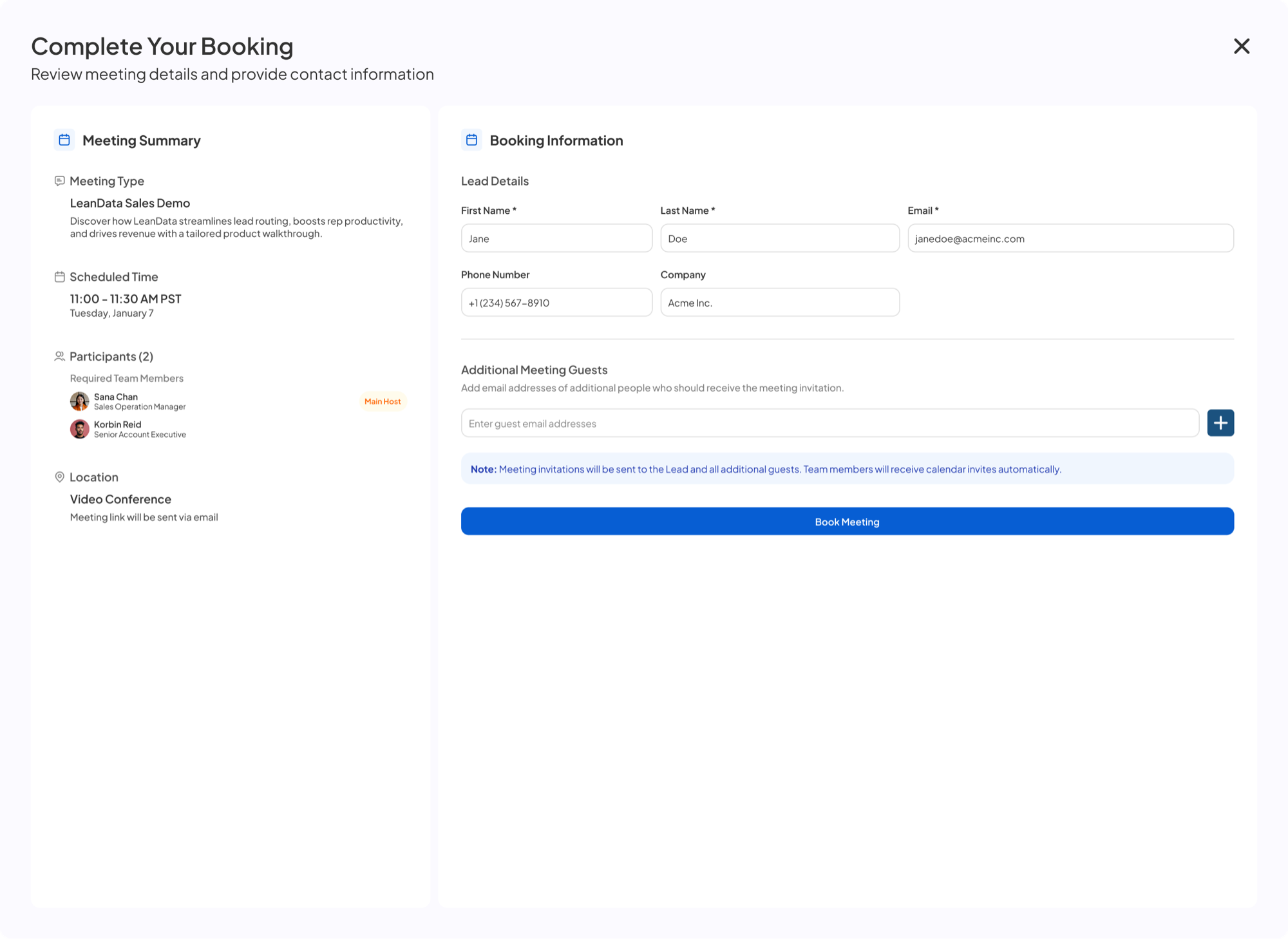
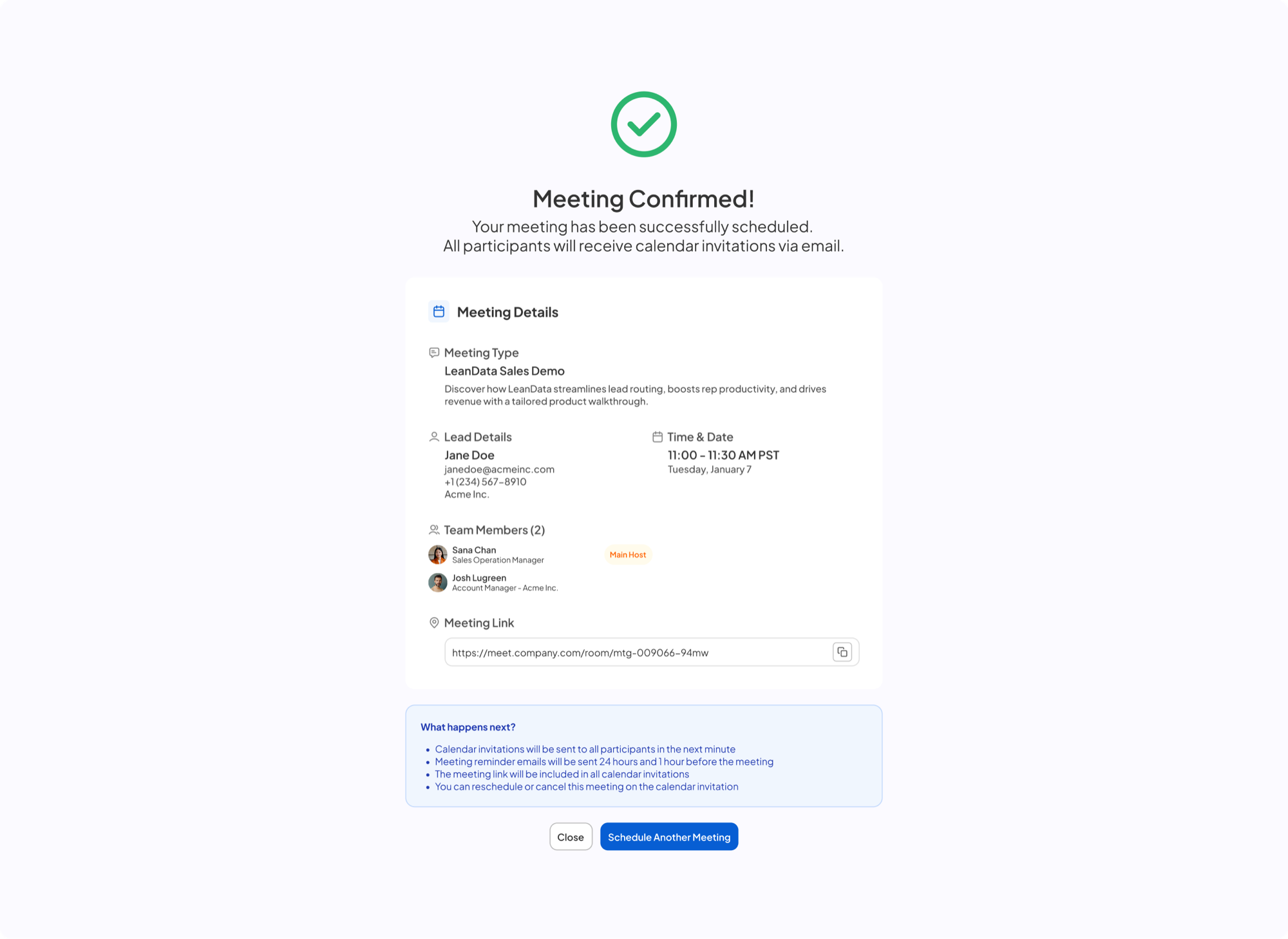
Schedule a meeting modal — empty state, team list ready to pick from Sana Chan added to participants Sana Chan and Korbin Reid both added, calendar shown Meeting confirmed
01

Meet Now

Books the prospect with a rep who's free right now, while they're still on the call.
Replaced
The email back and forth
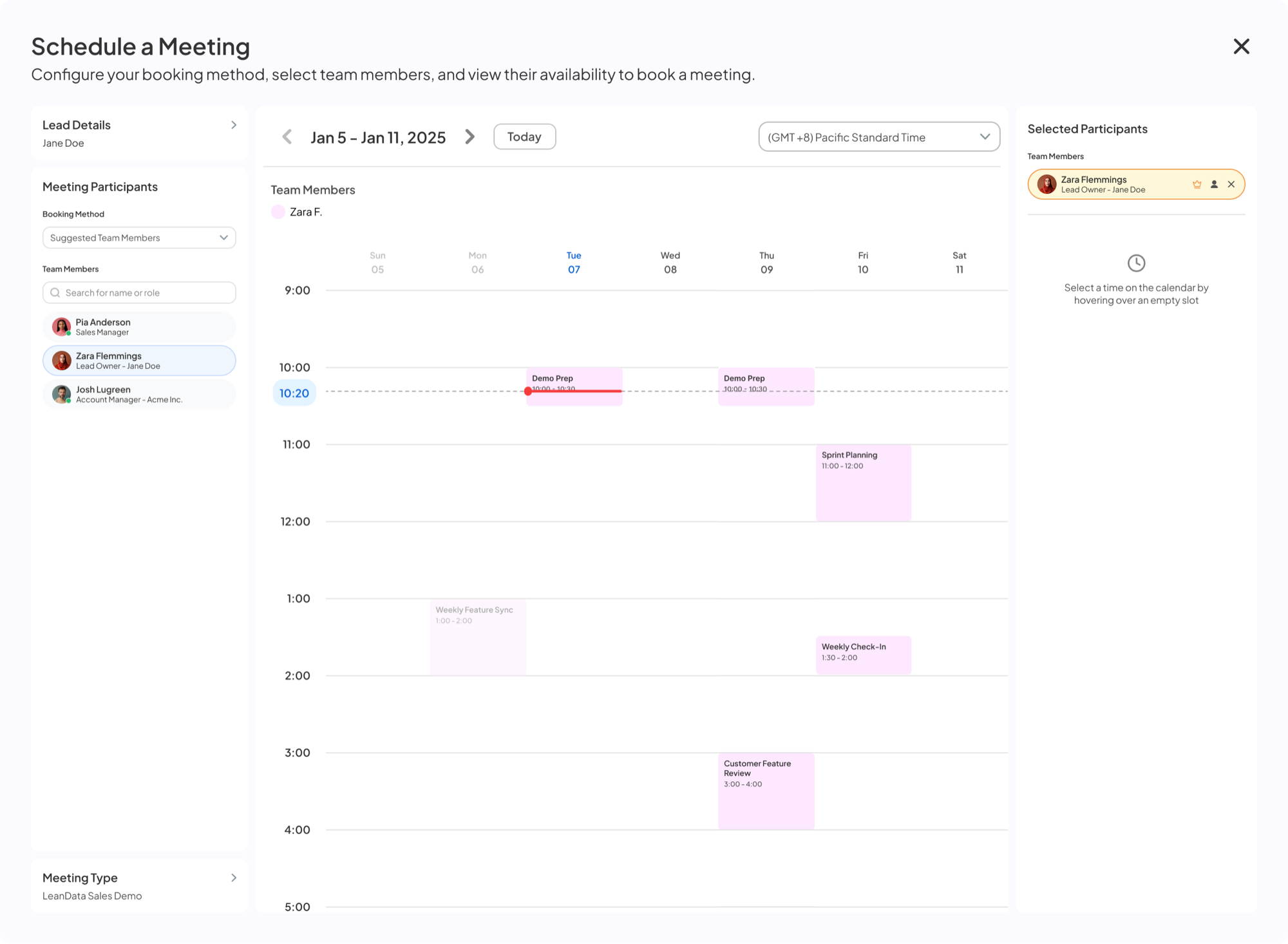
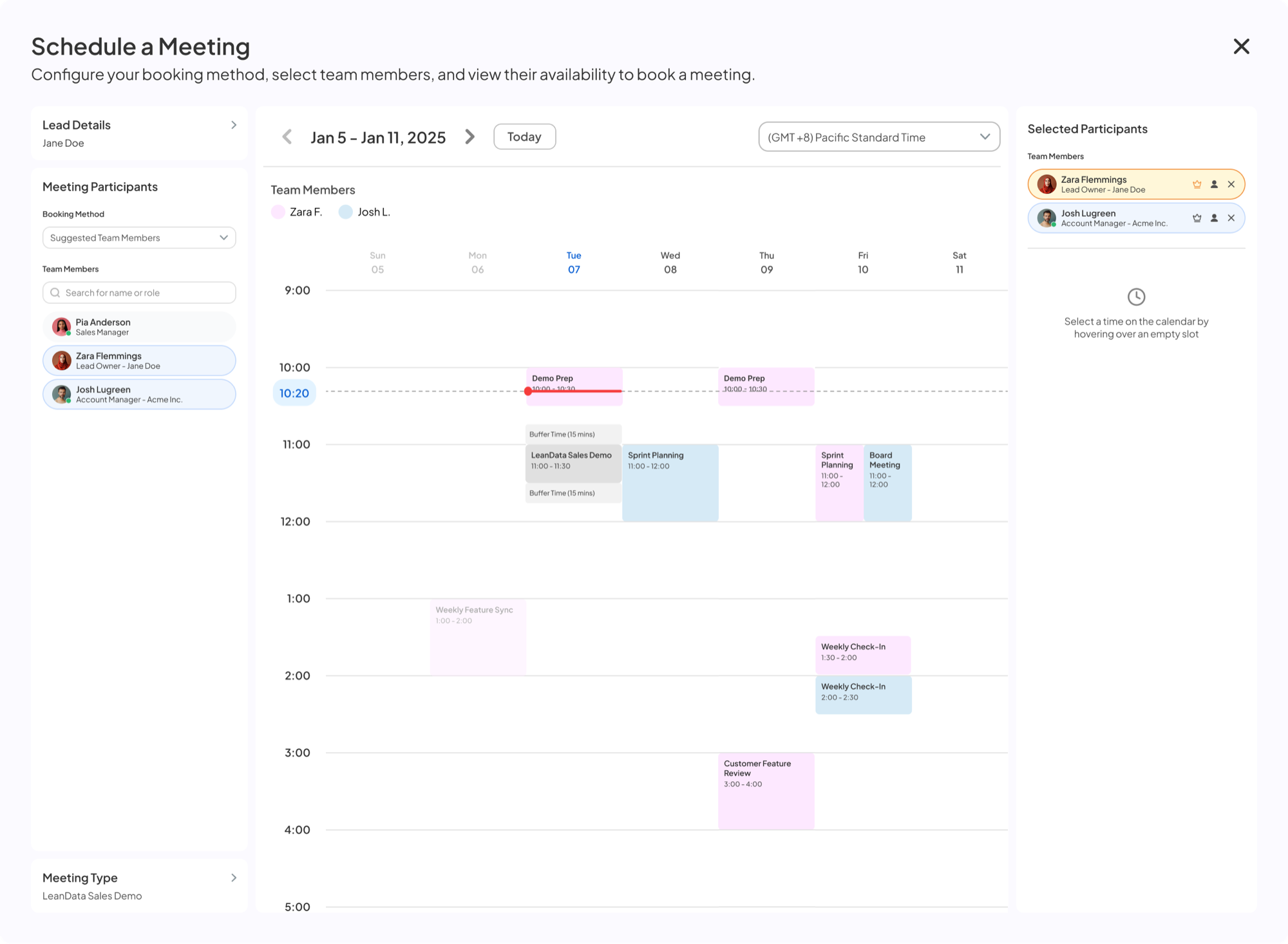
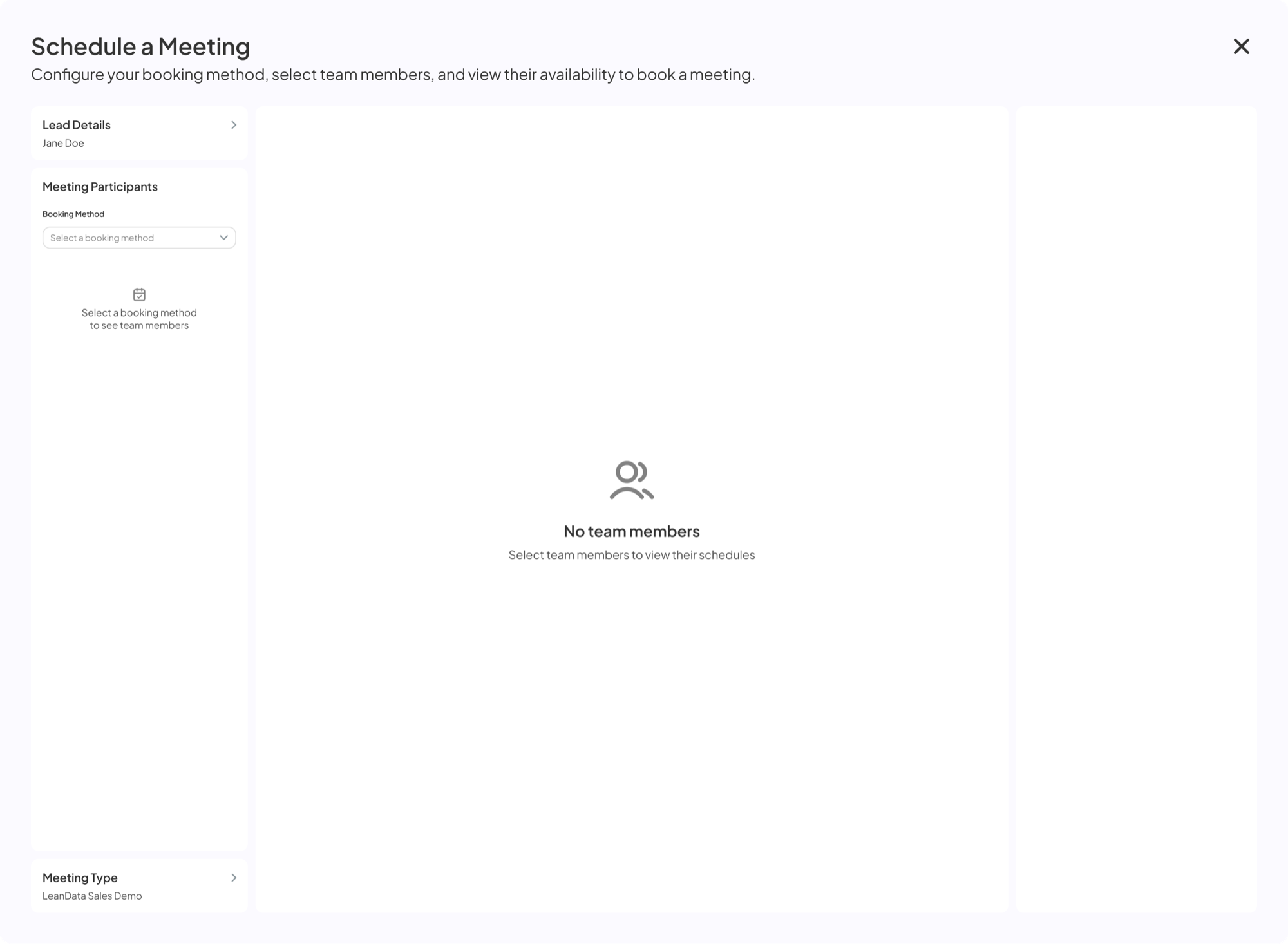
Schedule a Meeting modal — empty state, Booking Method dropdown closed Suggested Team Members selected, list of recommended reps shown Zara Flemmings added, calendar showing her availability Josh Lugreen also added, calendar showing combined availability Hover over a time slot — tooltip shows existing meeting and buffer times Time block selected, Selected Time and Continue button shown on the right Complete Your Booking page with lead details and Book Meeting button Meeting Confirmed page
02

Smart Rep

Picks the right rep from ownership, round robin priority and fallback rules. No one hunts through a dropdown.
Replaced
Spreadsheets of ownership rules
Someone's memory of who owns what
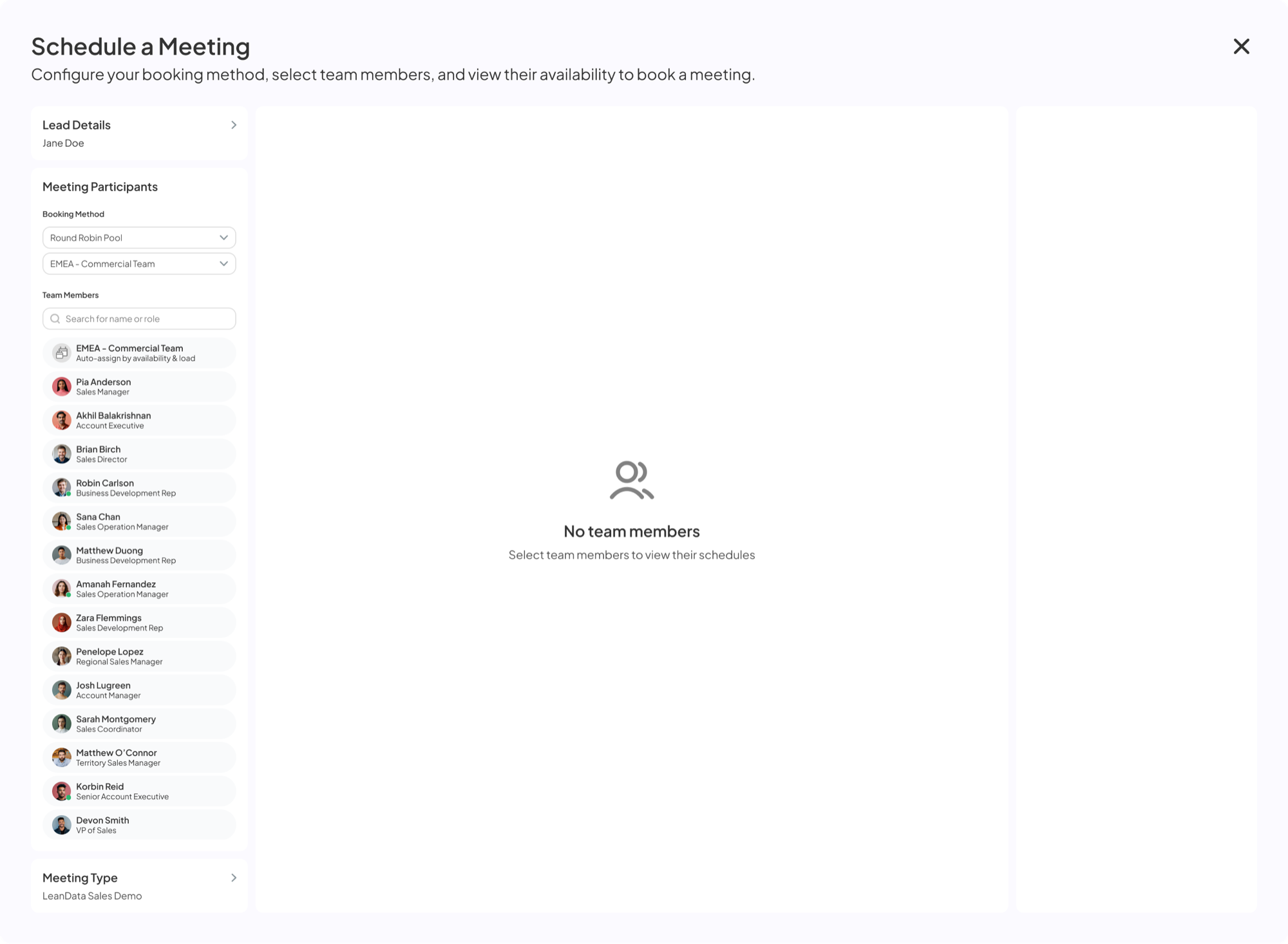
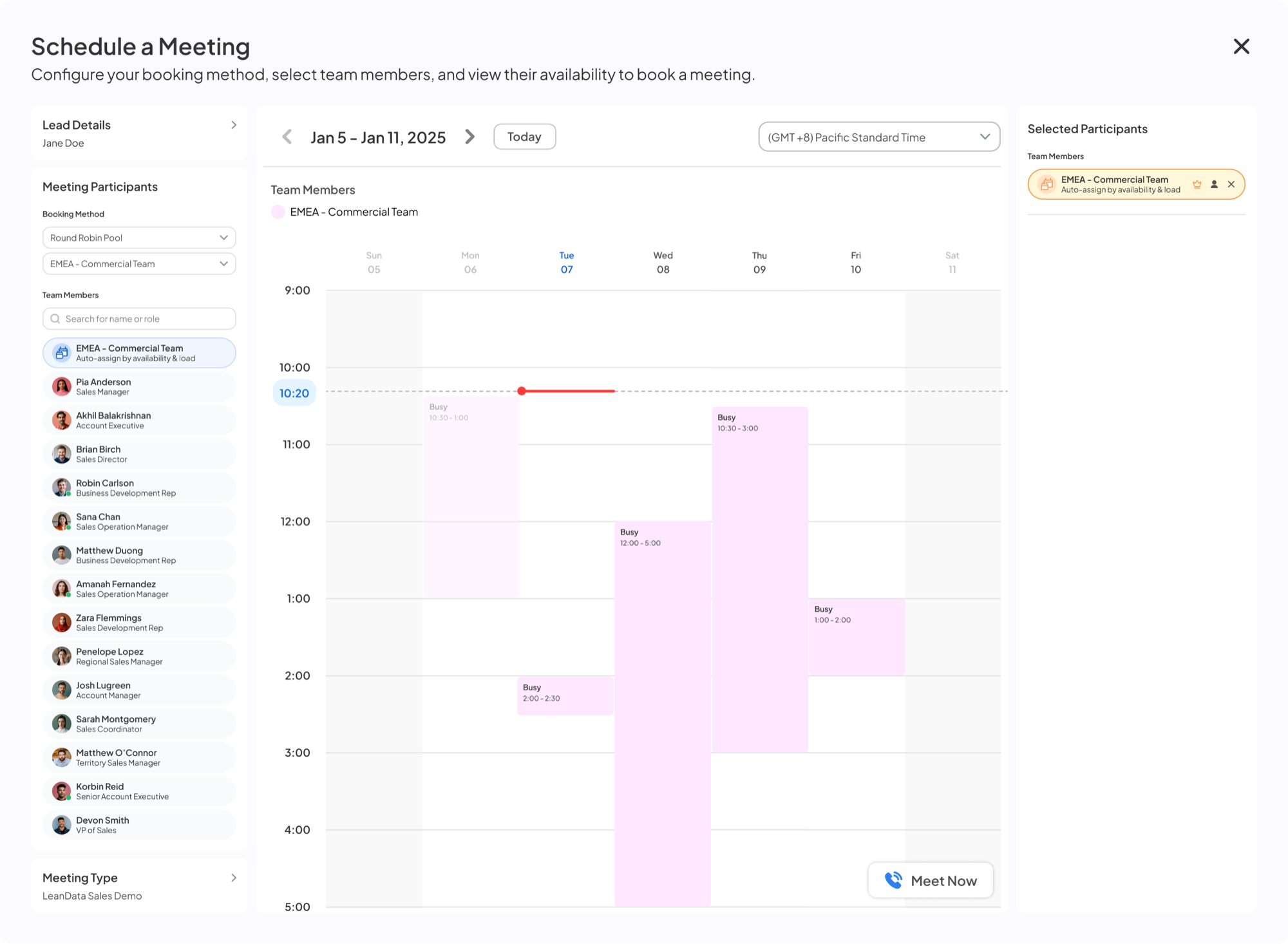
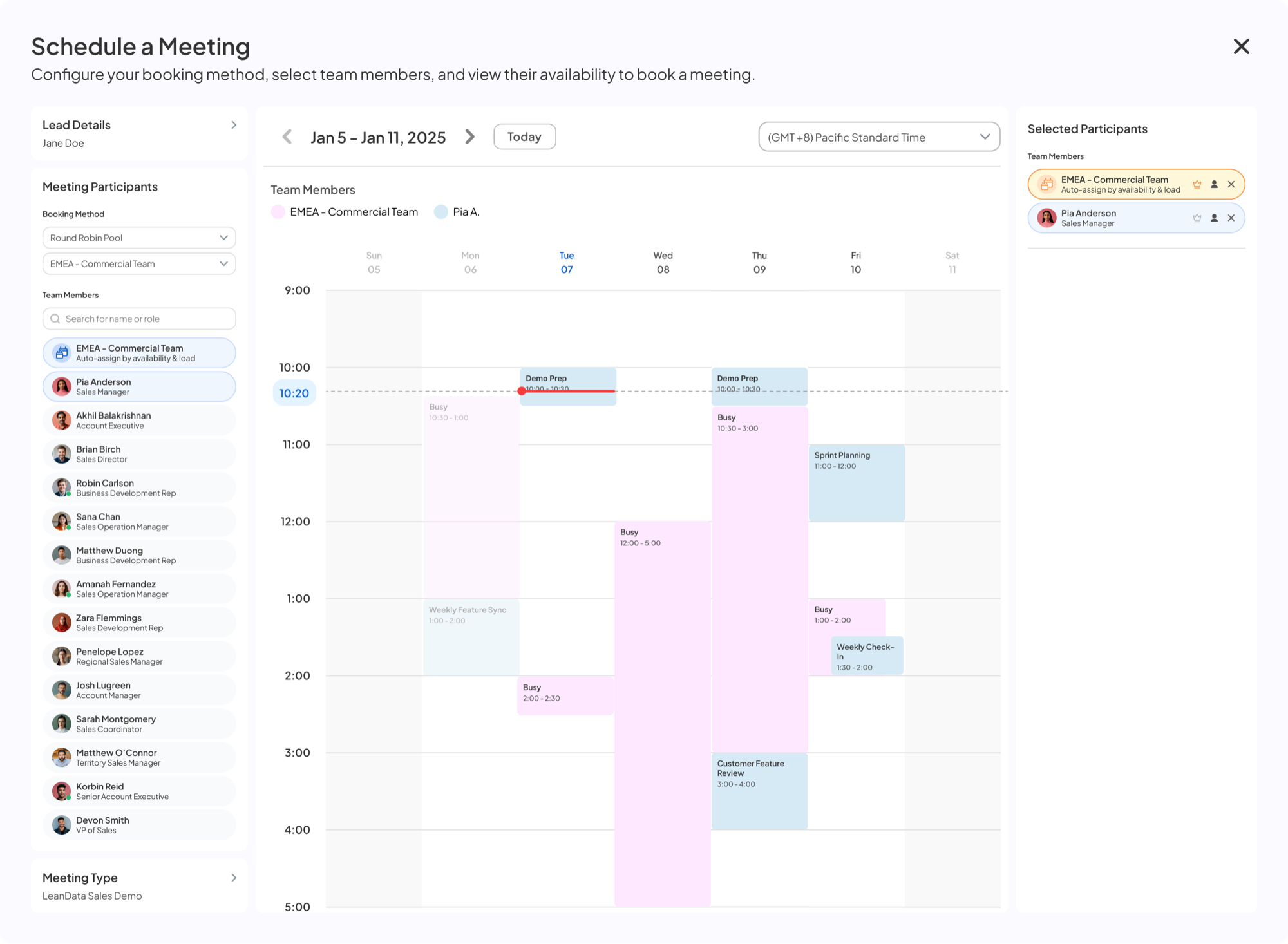
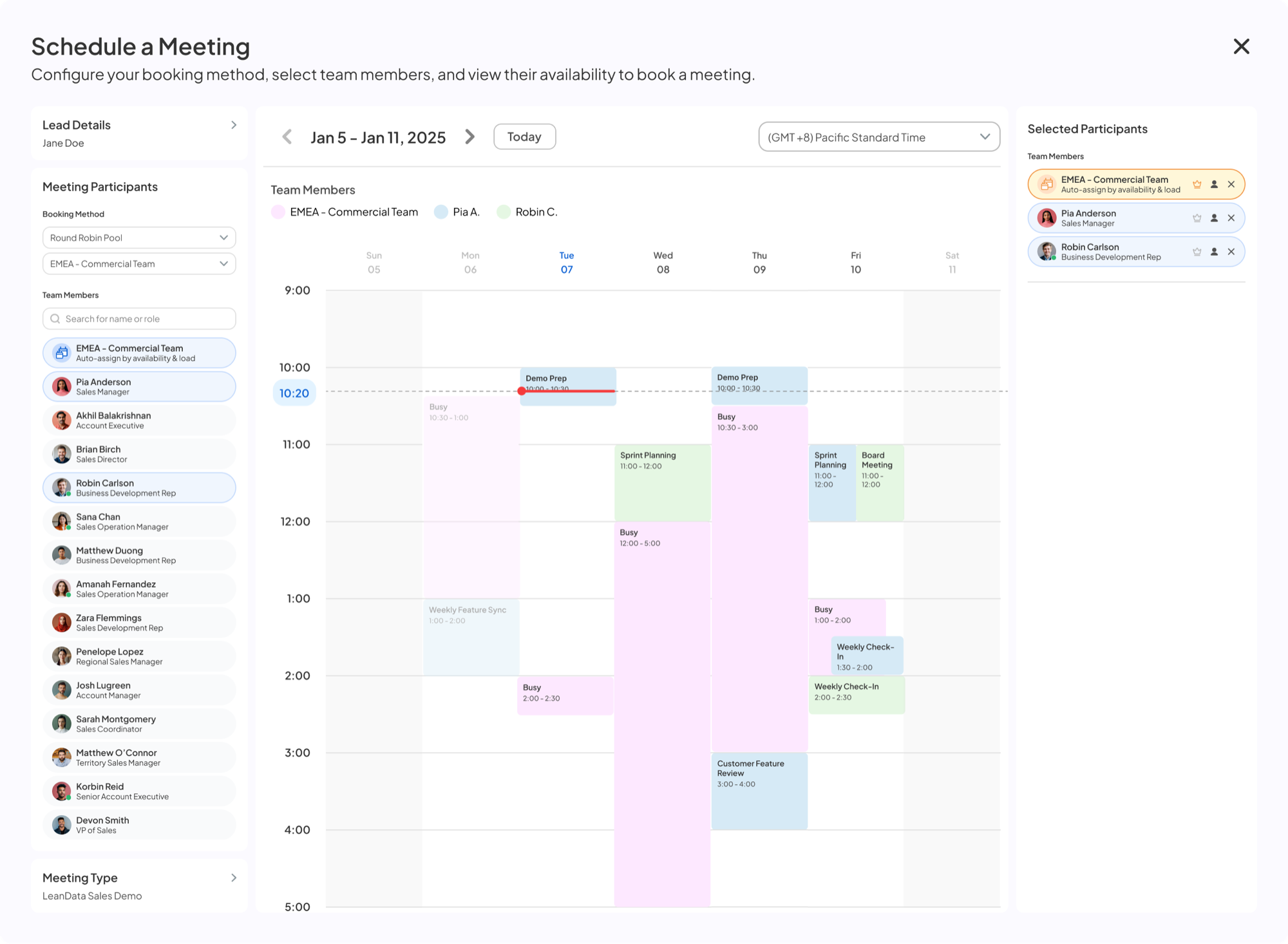
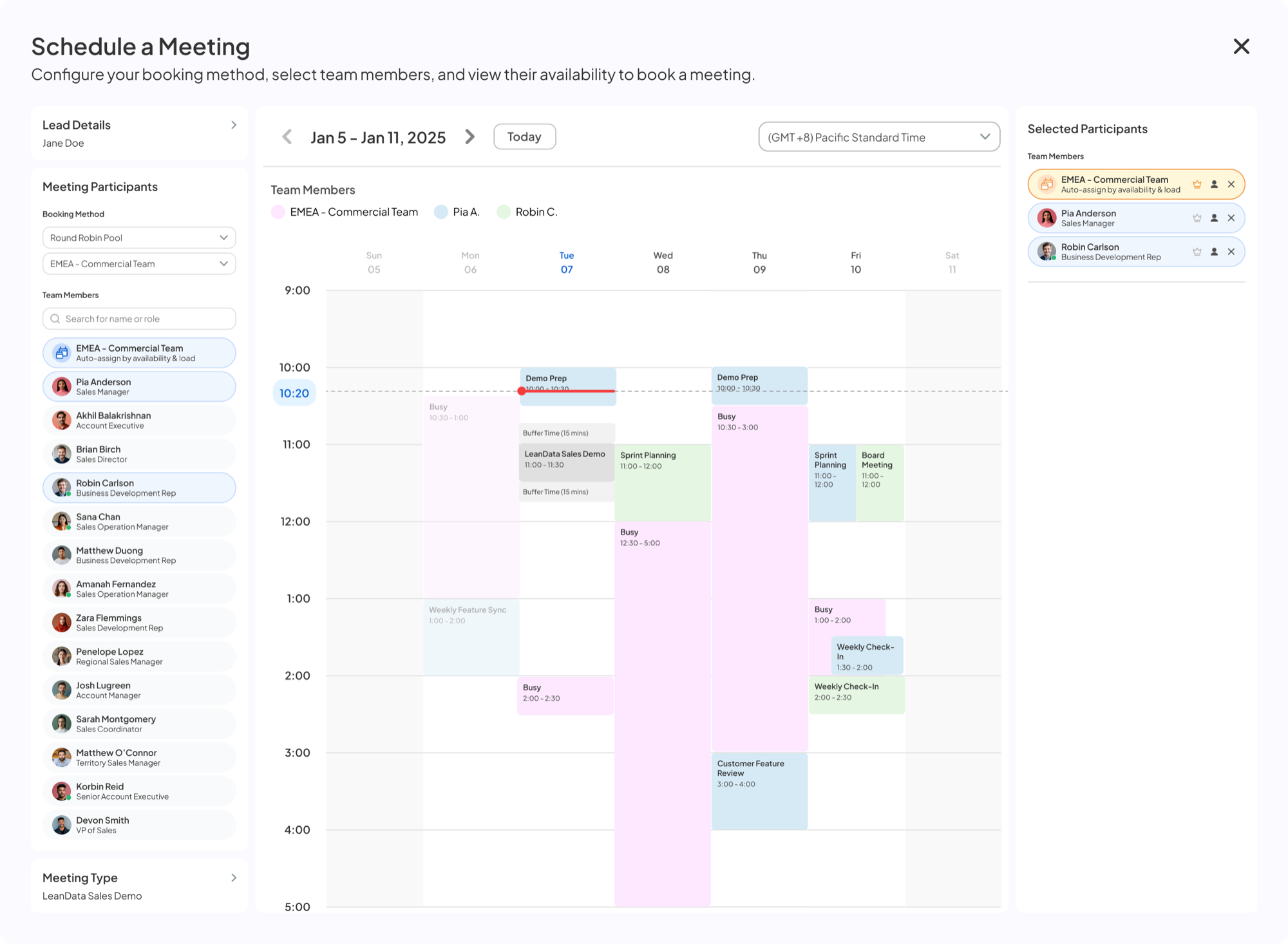
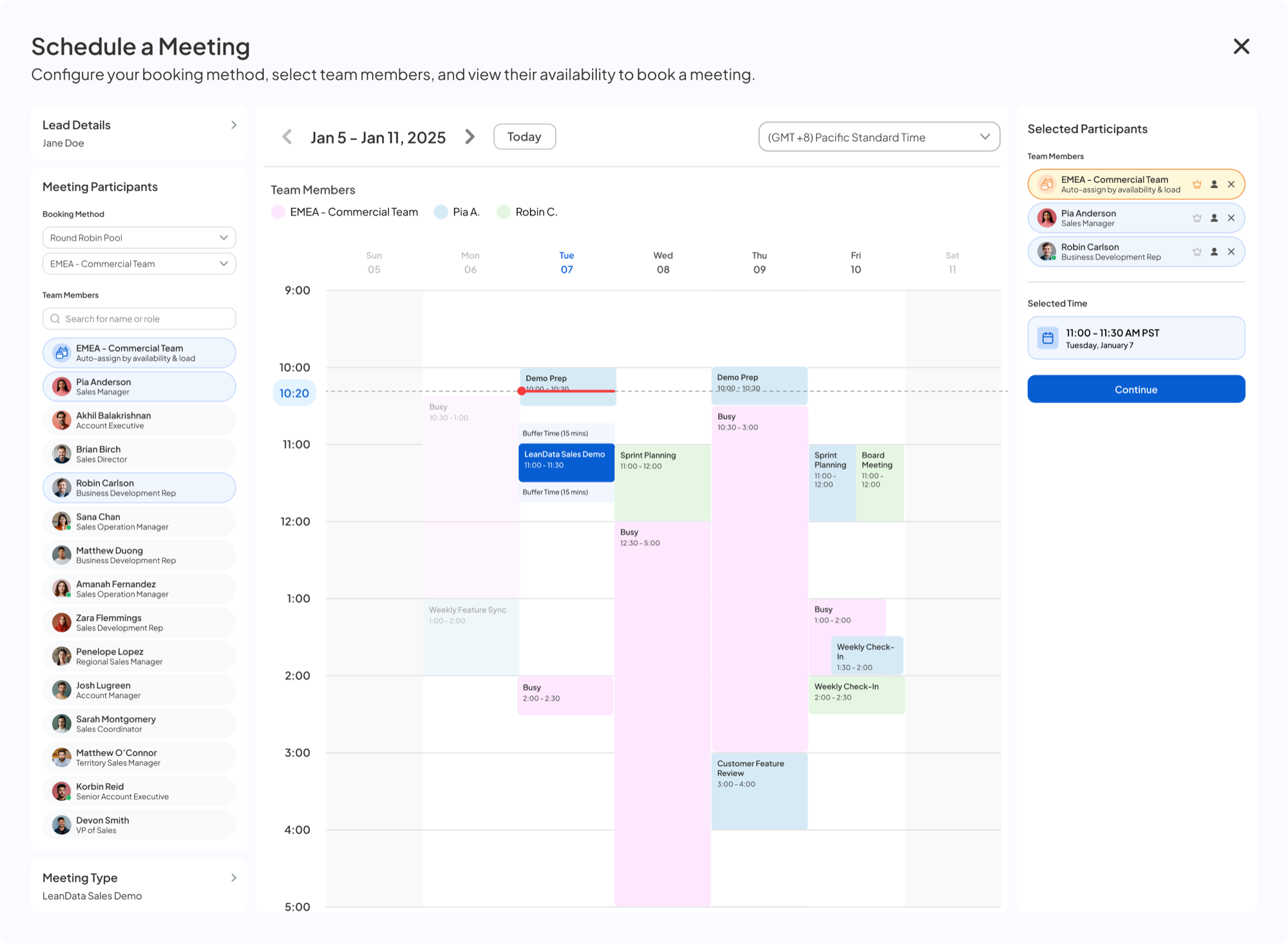
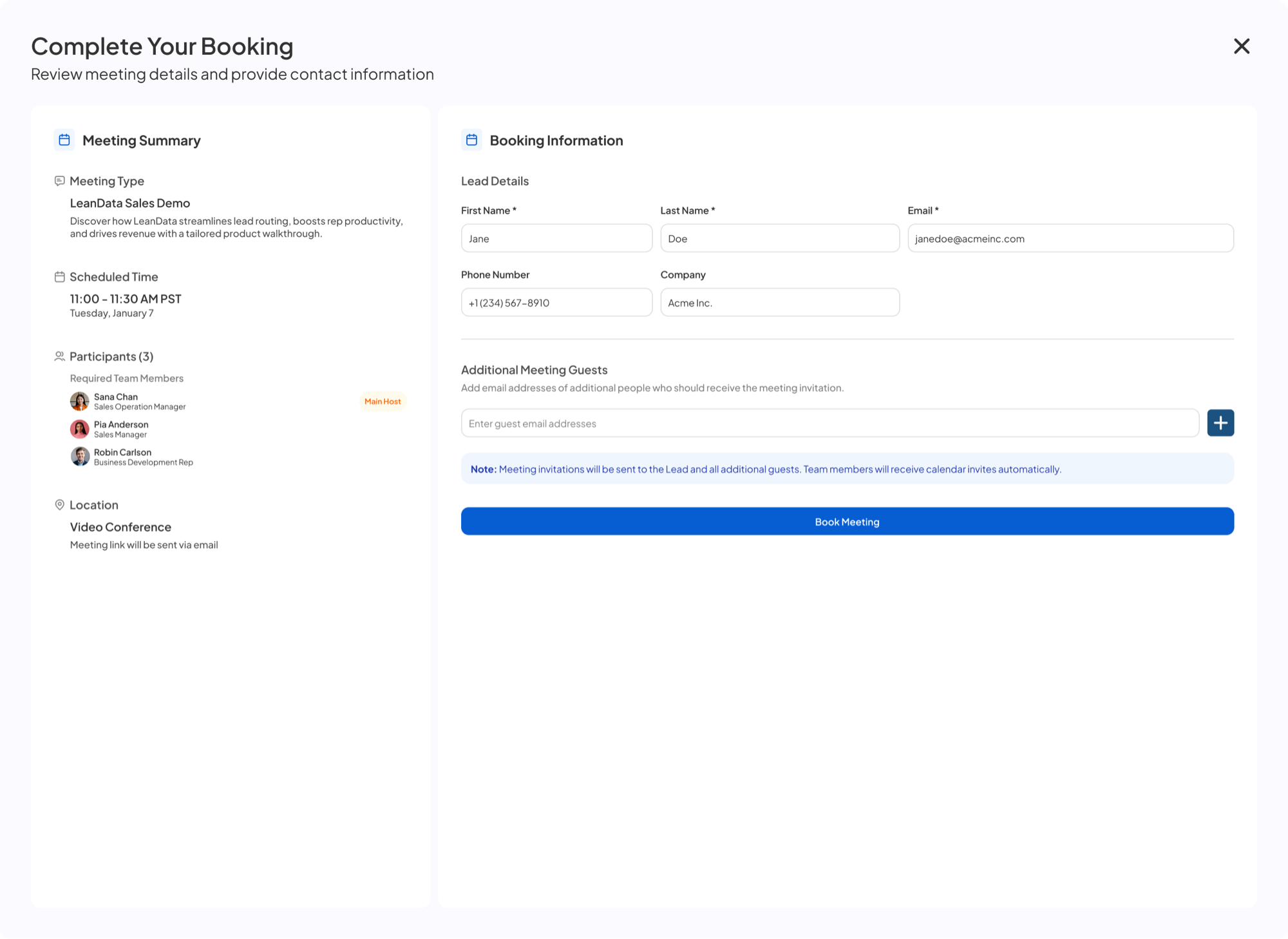
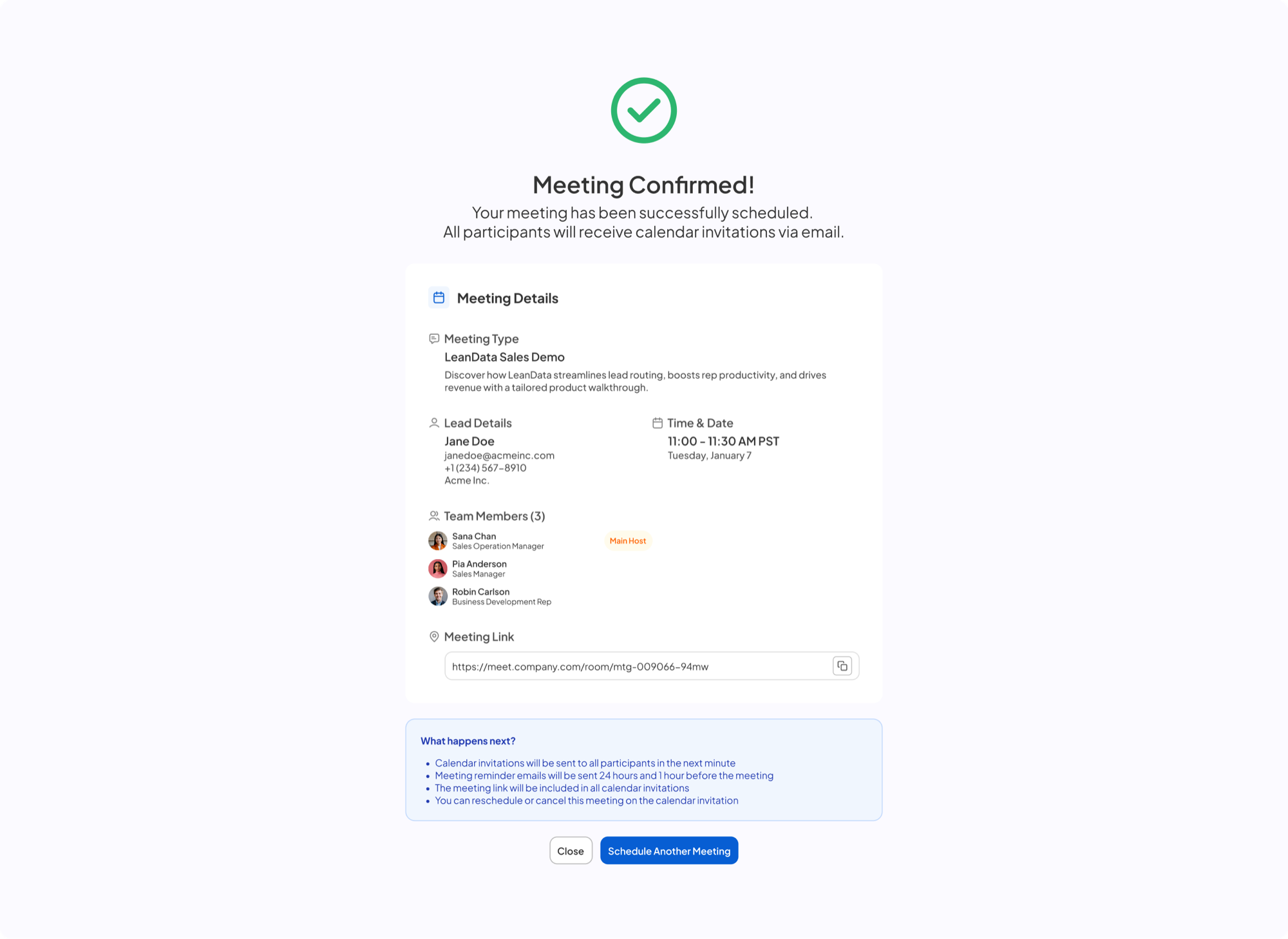
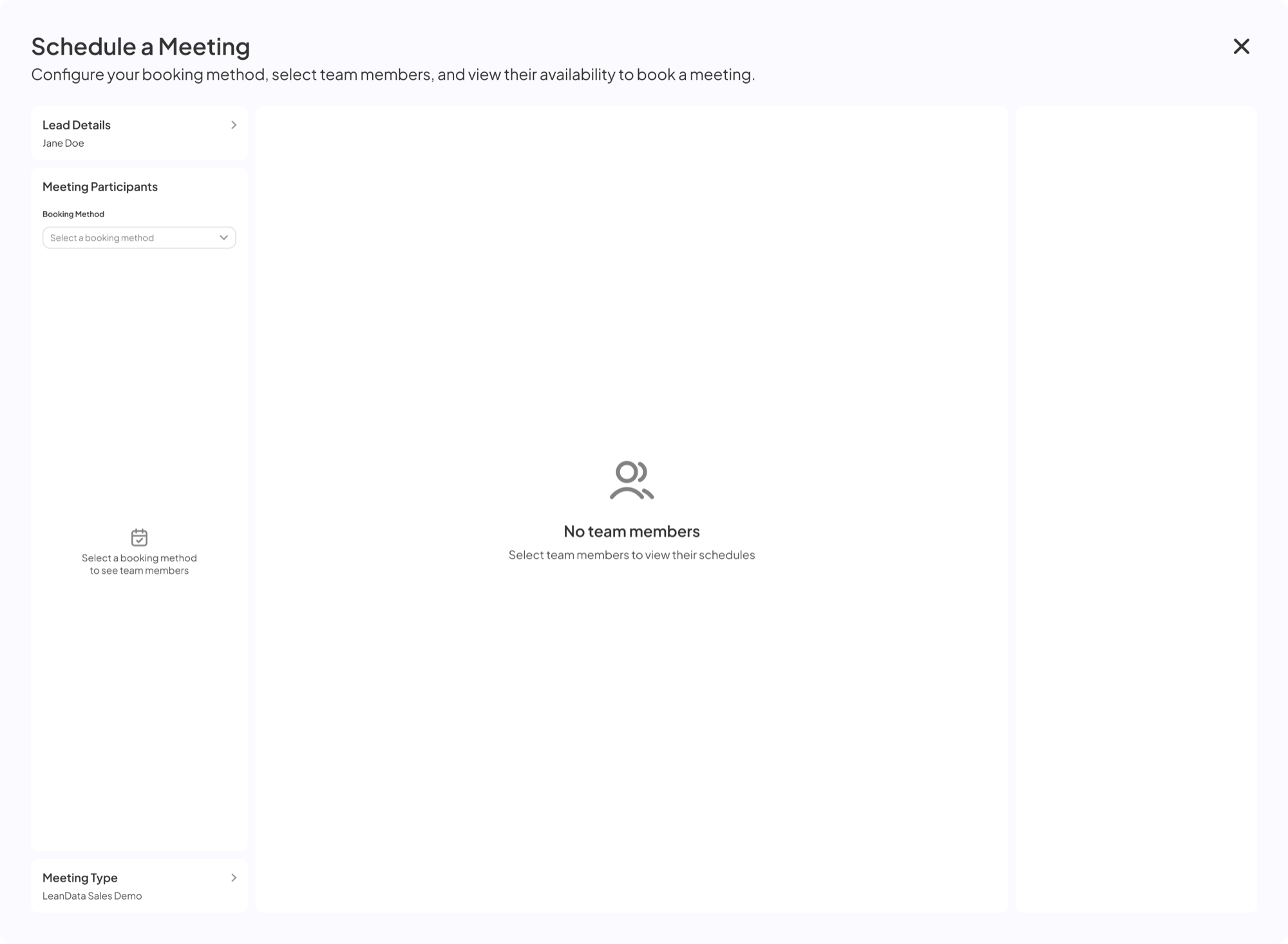
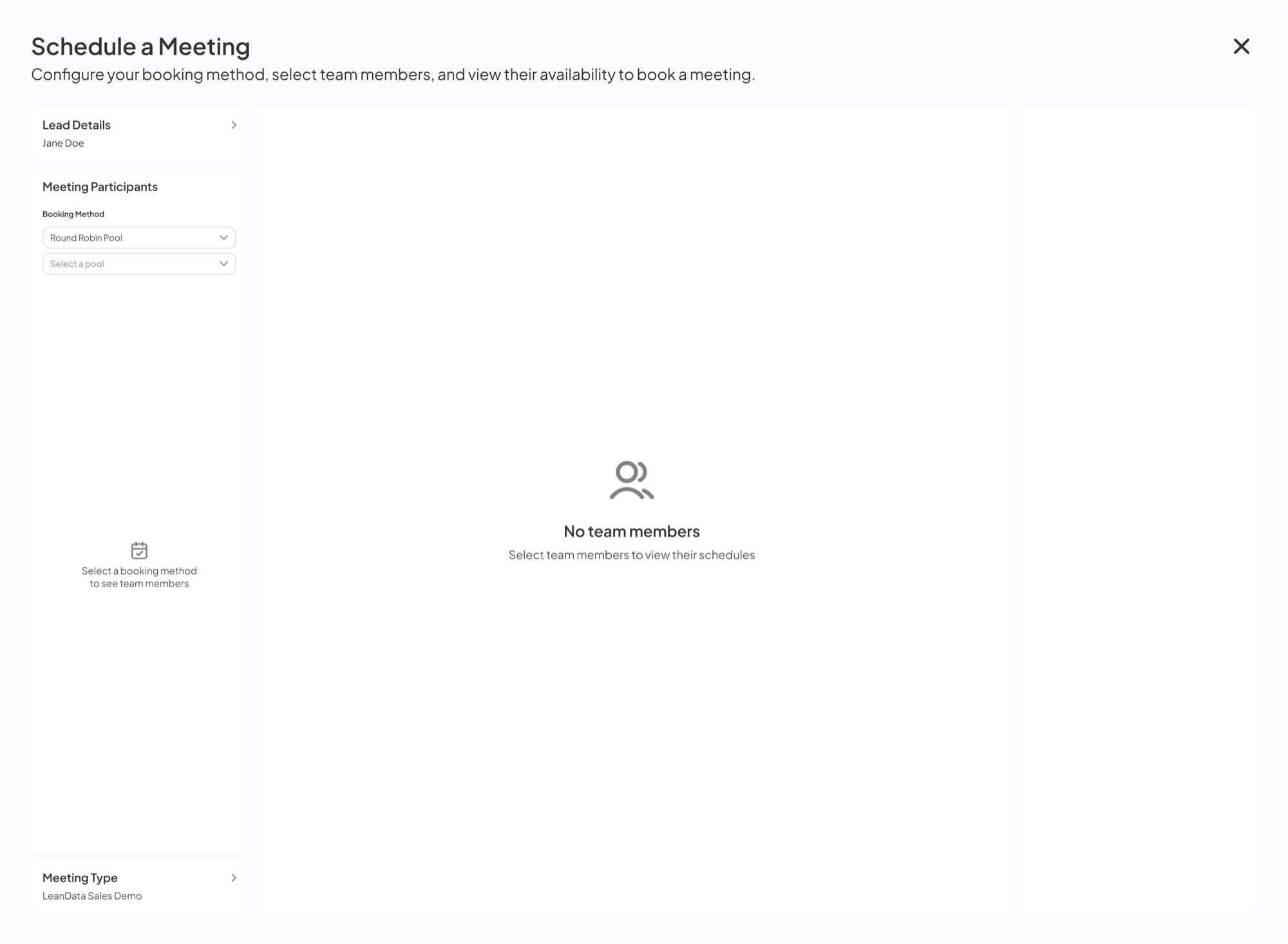
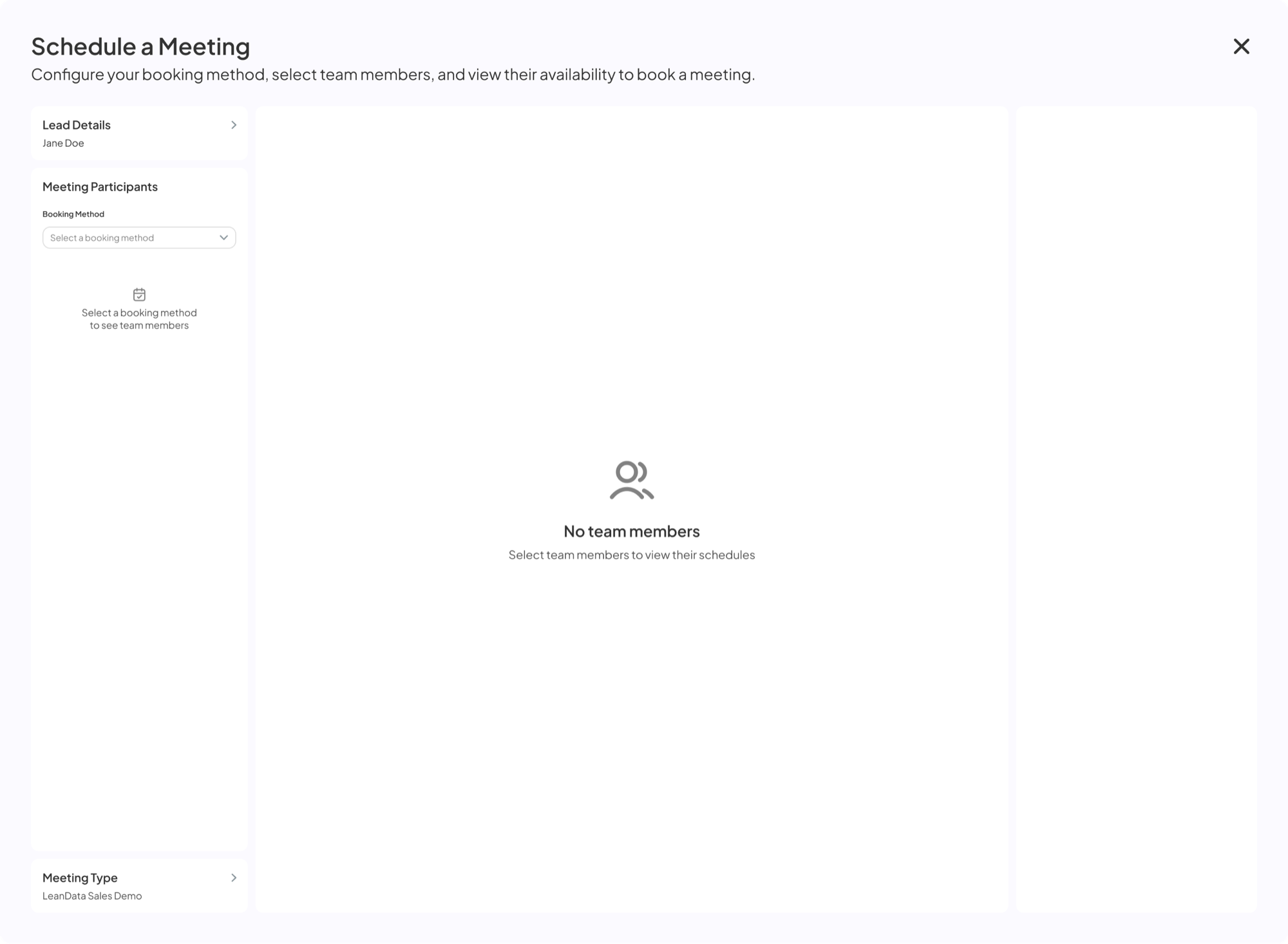
Schedule a Meeting modal — booking method not selected Round Robin Pool selected, pool dropdown empty Pool dropdown opened EMEA Commercial Team pool selected, list of pool members EMEA Commercial Team auto-assign added to participants Pia Anderson added to participants, combined calendar Hover over a time slot under the red line Time slot clicked, Selected Time shown on the right with Continue button Complete Your Booking page Meeting confirmed
03

Availability first

Pools a team's calendars and shows every open slot at once, so the prospect gets more times to choose from.
Replaced
Checking calendars one at a time
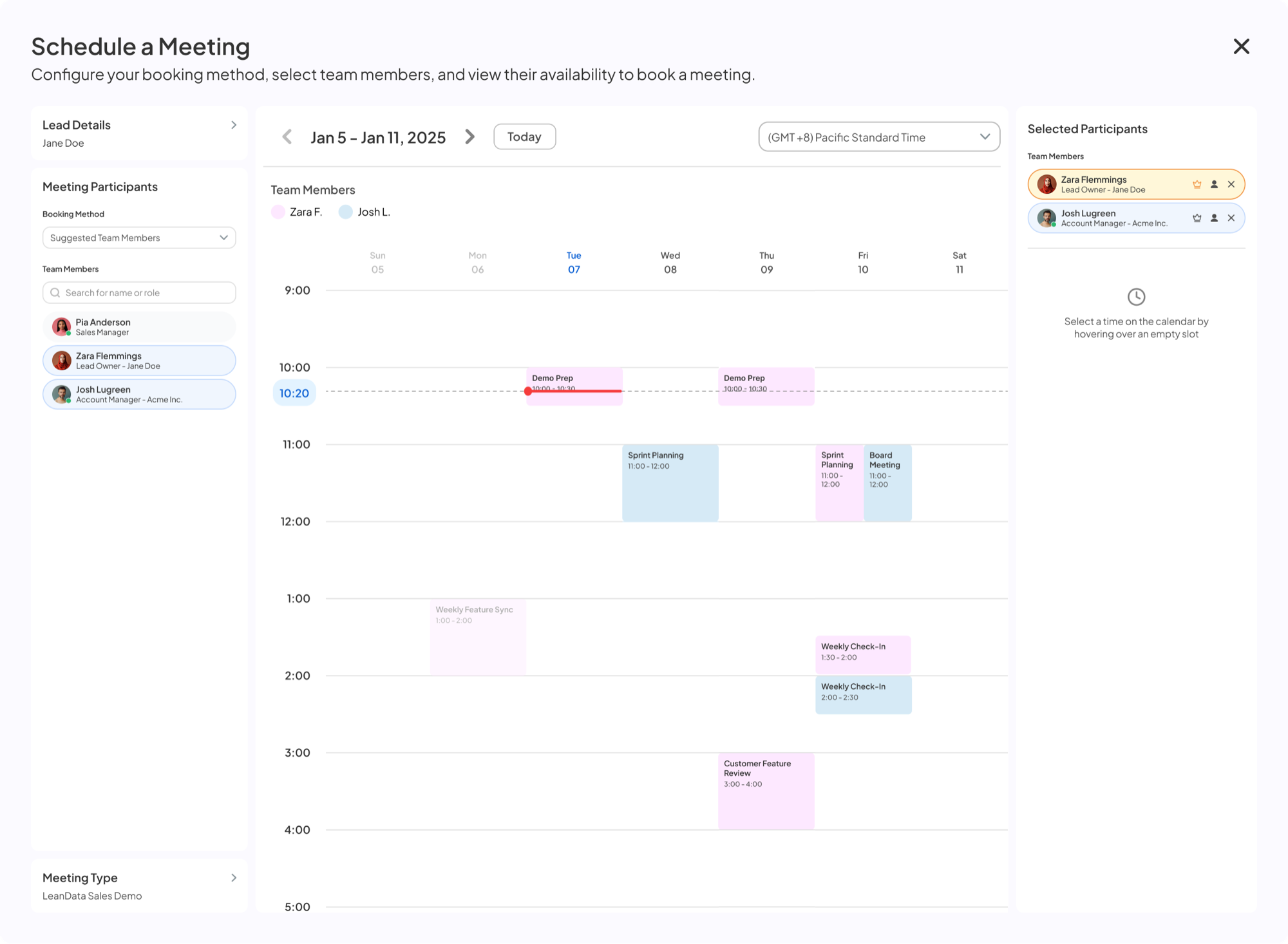
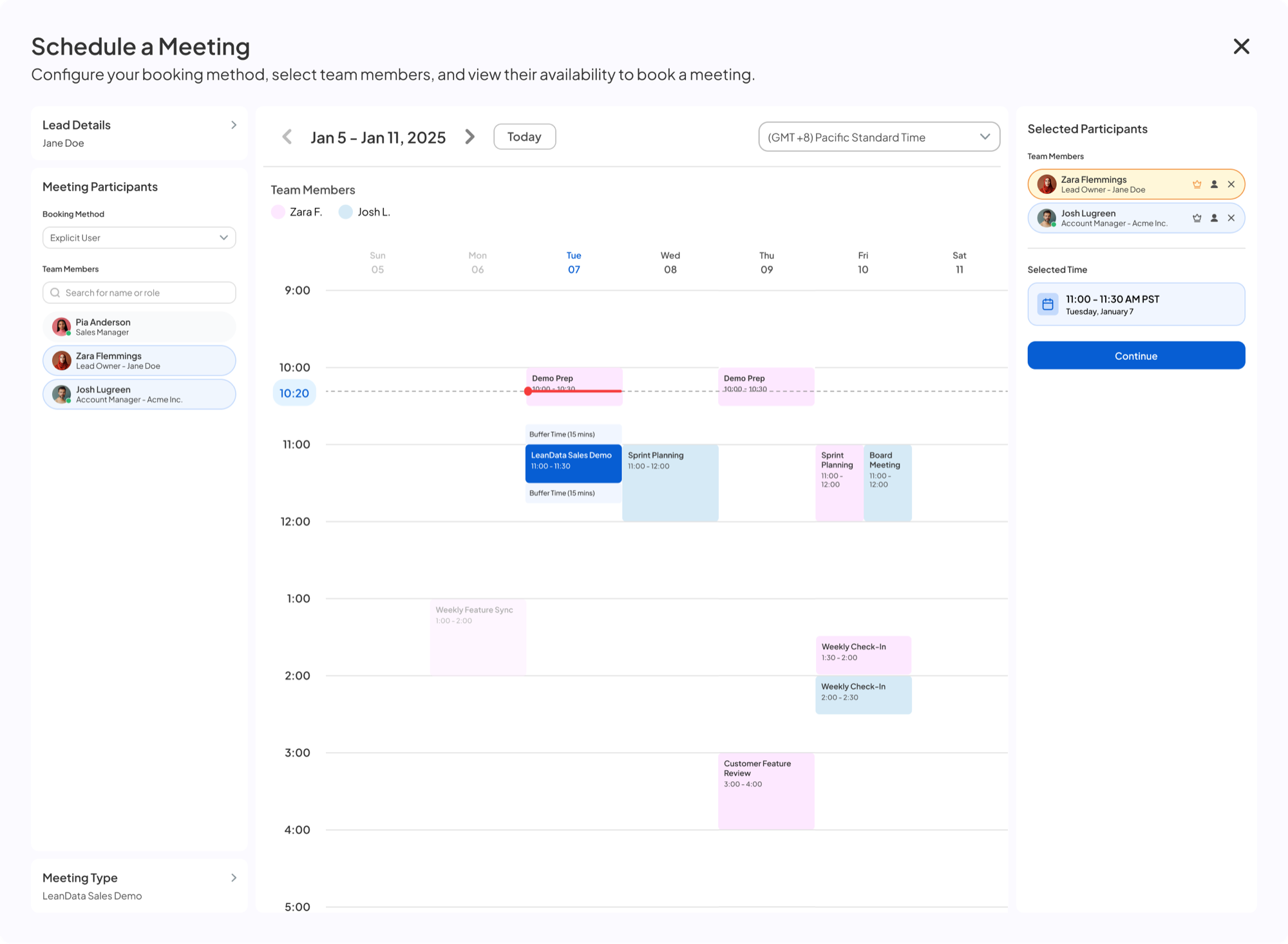
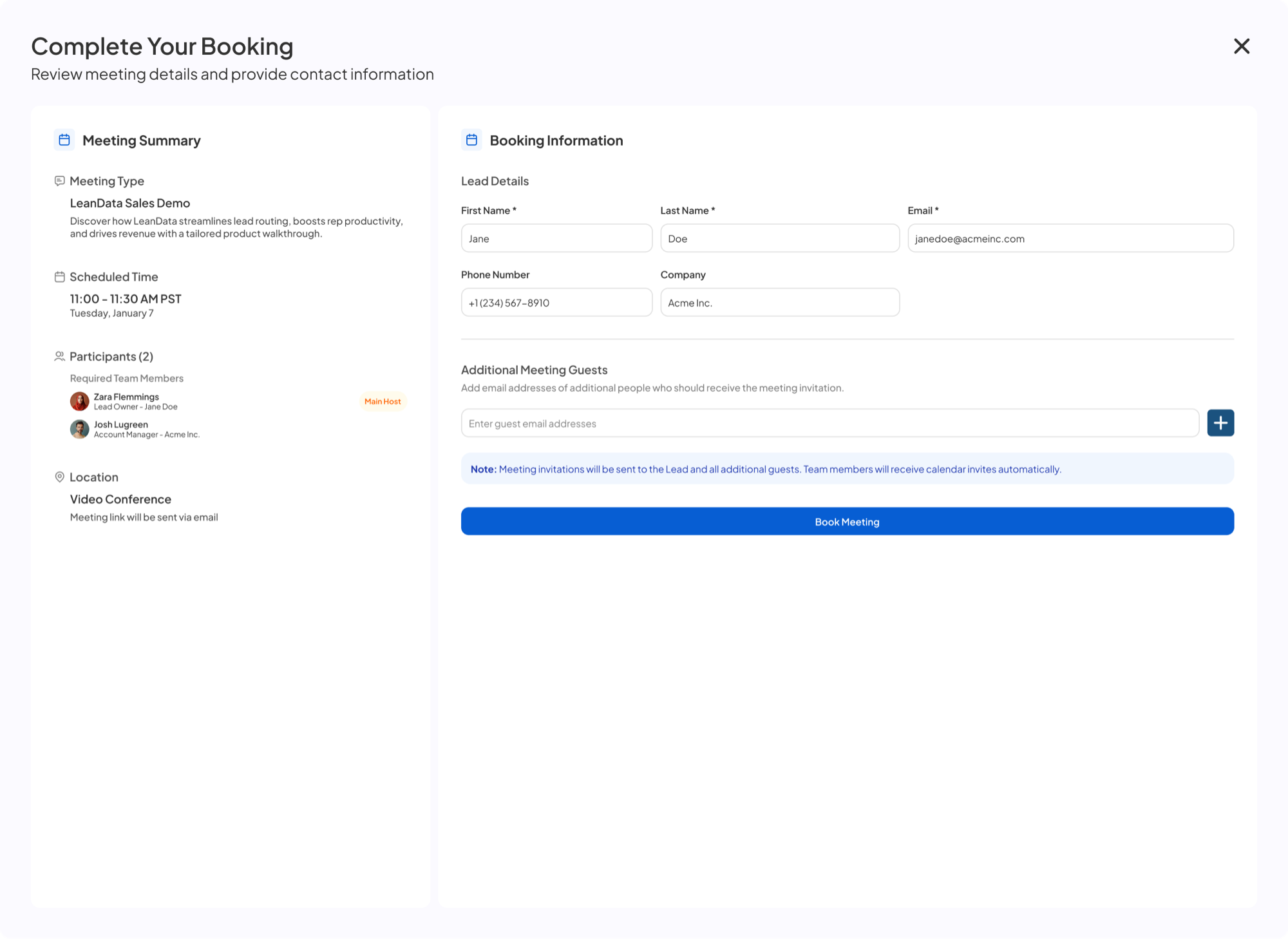
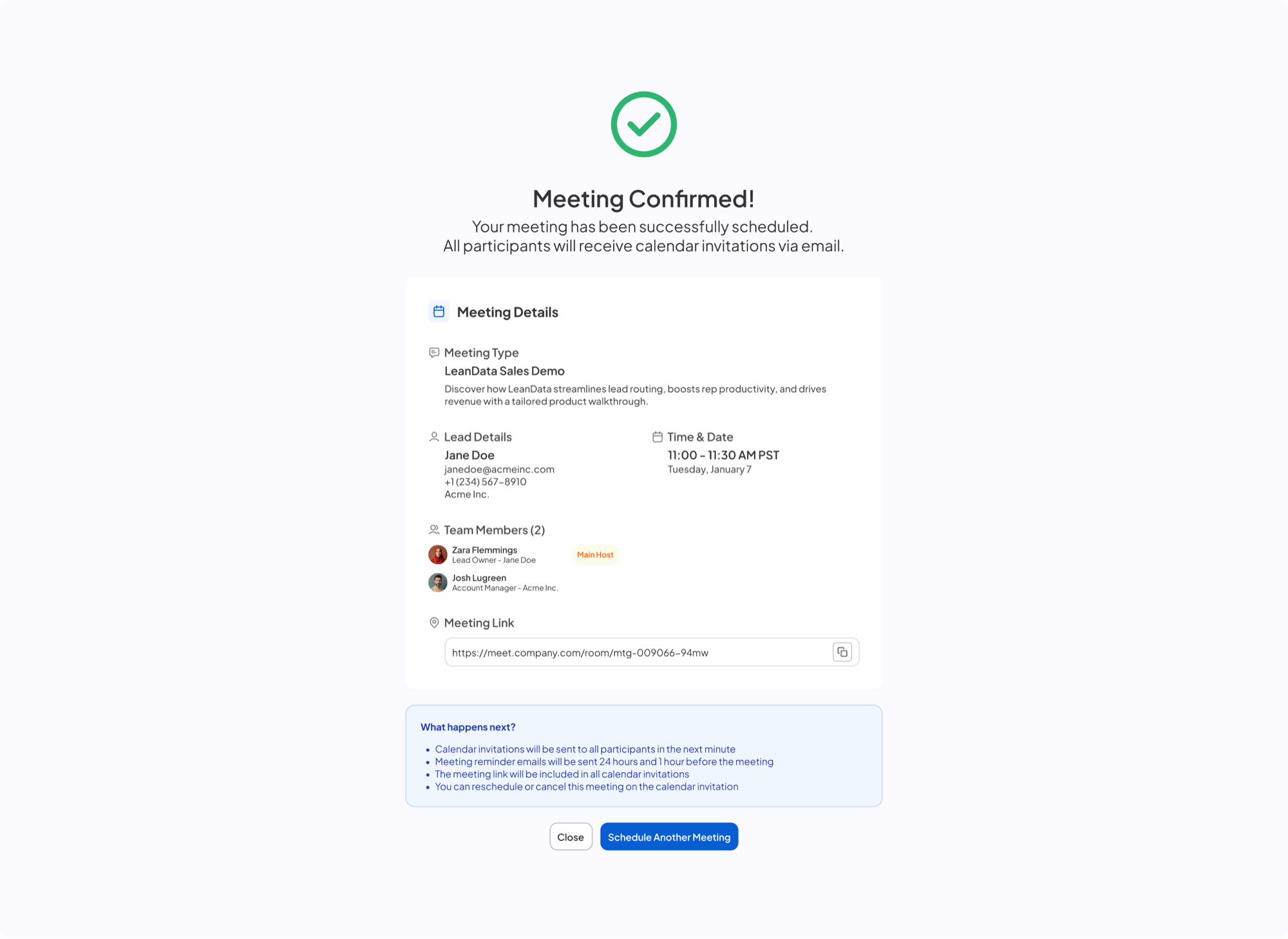
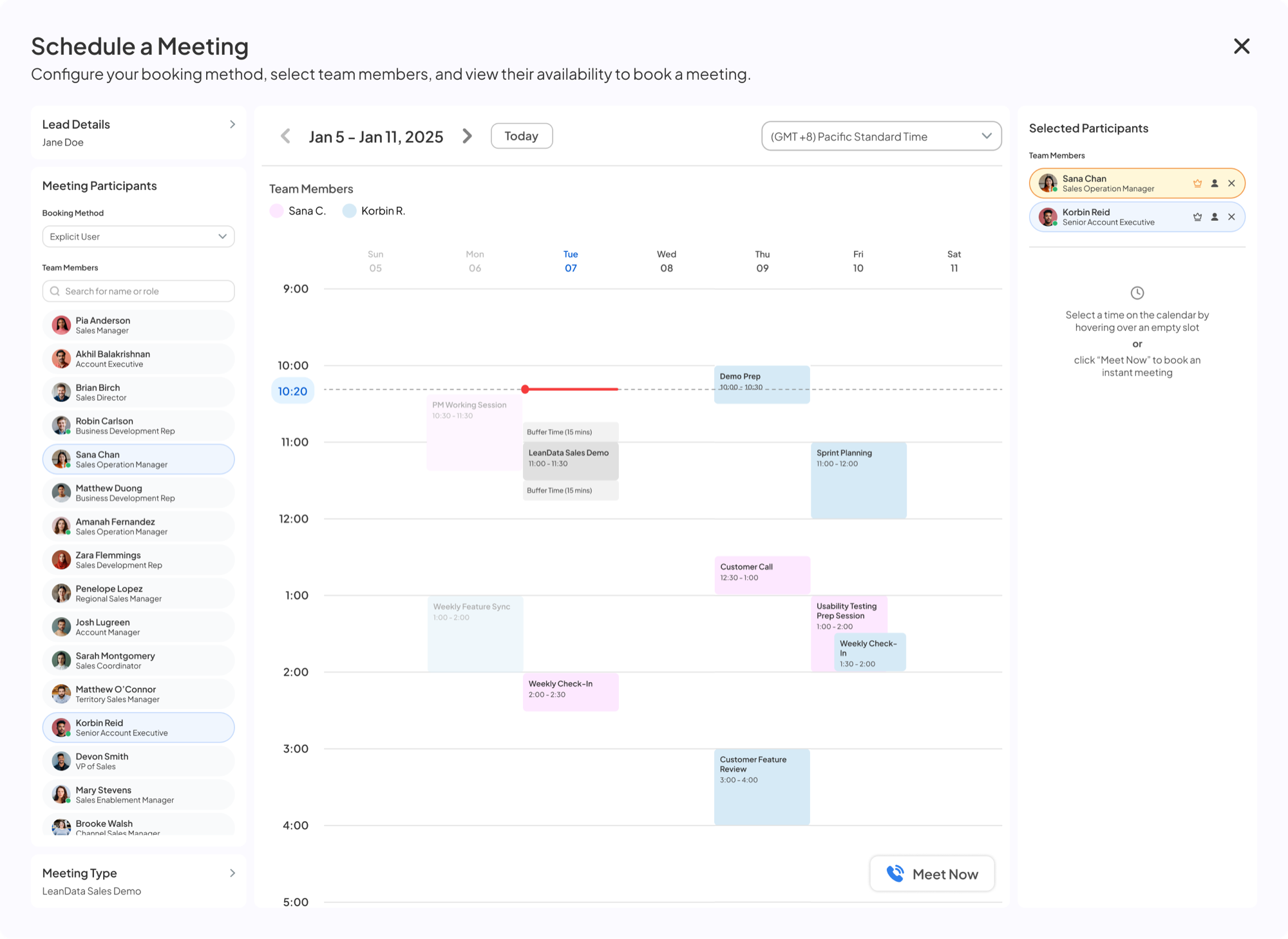
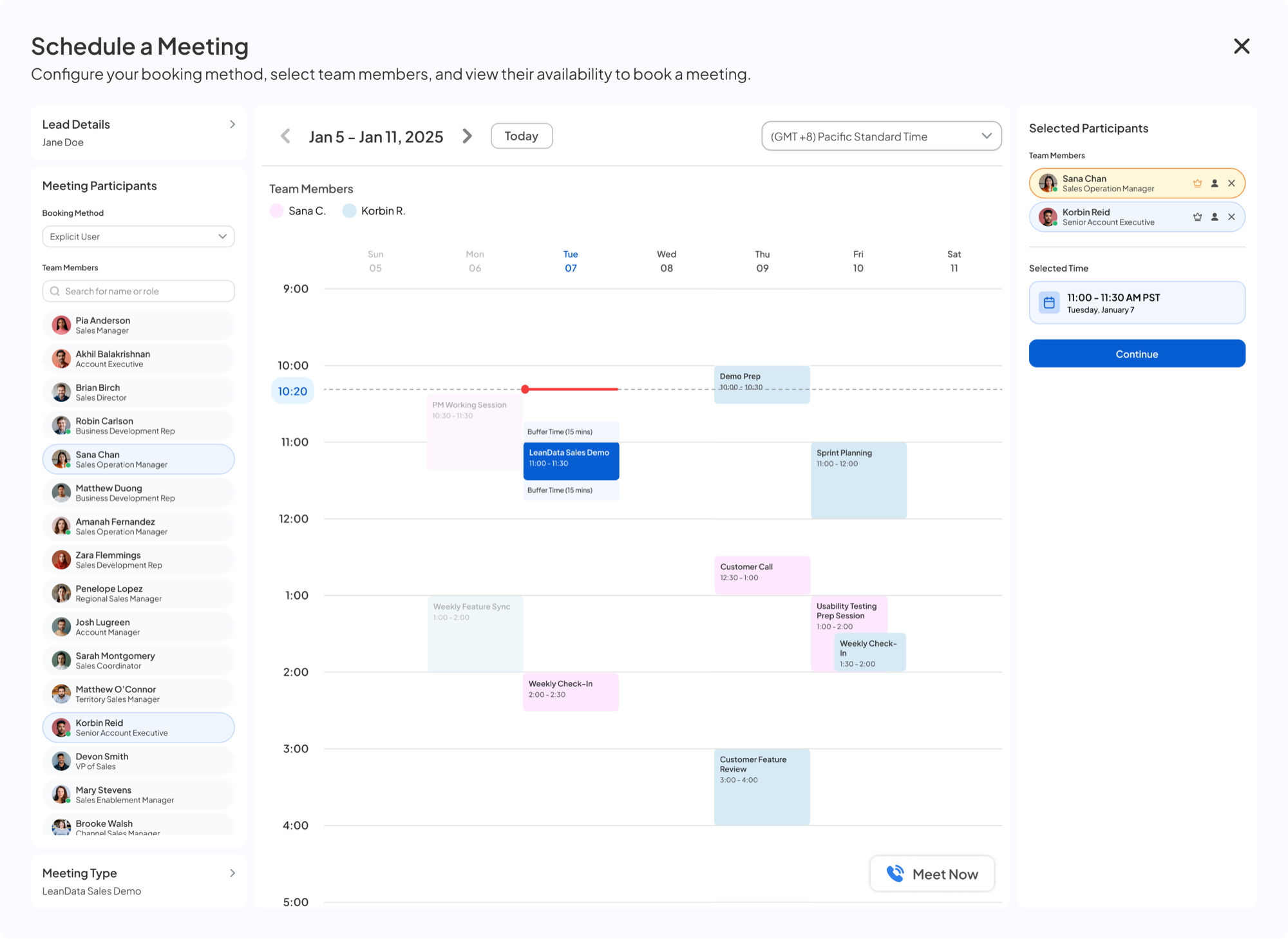
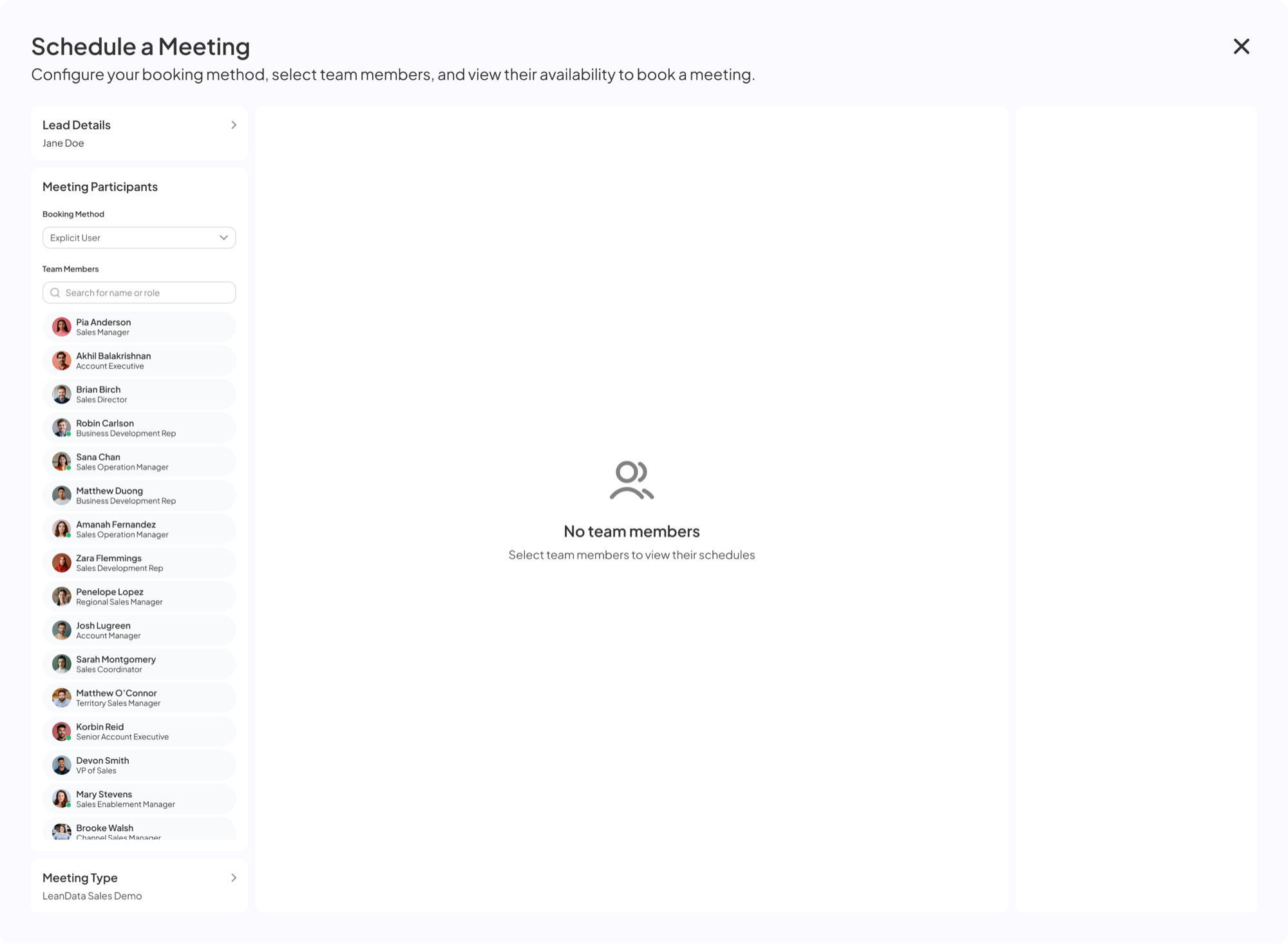
Schedule a Meeting modal — booking method not selected Explicit User booking selected, team member list shown Sana Chan added to participants, her calendar shown Korbin Reid added, combined calendar showing both participants Hover on empty slot — tooltip previews LeanData Sales Demo with buffer times Time slot clicked, Selected Time shown with Continue button Complete Your Booking page with lead details and Book Meeting Meeting confirmed for all participants
04

Group booking

Books an SDR with an AE, or an AE with a consultant, in one flow. Open times update as people are added.
Replaced
Lining up calendars by hand
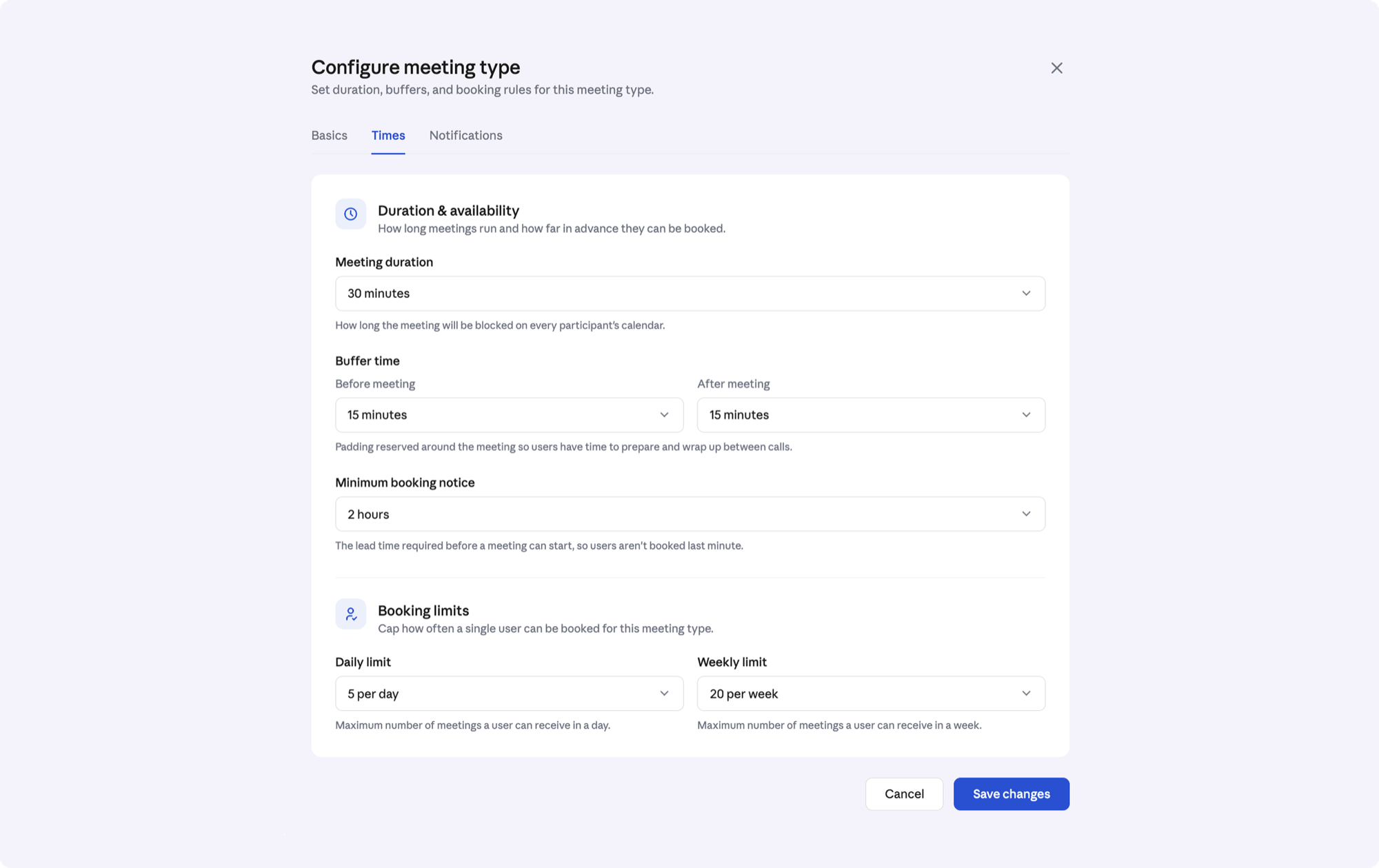
Configure meeting type: duration, buffers, minimum notice, and daily and weekly limits
05

Guardrails

Buffers, minimum notice, daily and weekly limits, and Salesforce context in every invite.

Replaced
Invites with the wrong people or no context
04What we didn't build

0-to-1 is as much about what you don't build

Later

More Salesforce objects

We launched on leads and contacts, where most routing happens. Accounts, opportunities and cases came once customers asked for them.

Somewhere else

The Chrome extension

It went to Forms and Links, whose users work outside Salesforce. Handoff users were already in it.

05Takeaways

What this taught me

01

Balancing flexibility and speed

Booking happens in seconds, mid-call, so every control is a time tax. Progressive disclosure wasn't decoration. It was the job.

02

Test early, before fluency sets in

Late testing kept a broken availability system from shipping. Now when a flow feels obvious to me, I treat that as a risk, not a sign it's done.

03

The interface resolves the complexity

I didn't architect the routing graph. I made its answer something a rep could trust in 2.3 seconds, while still on the call.
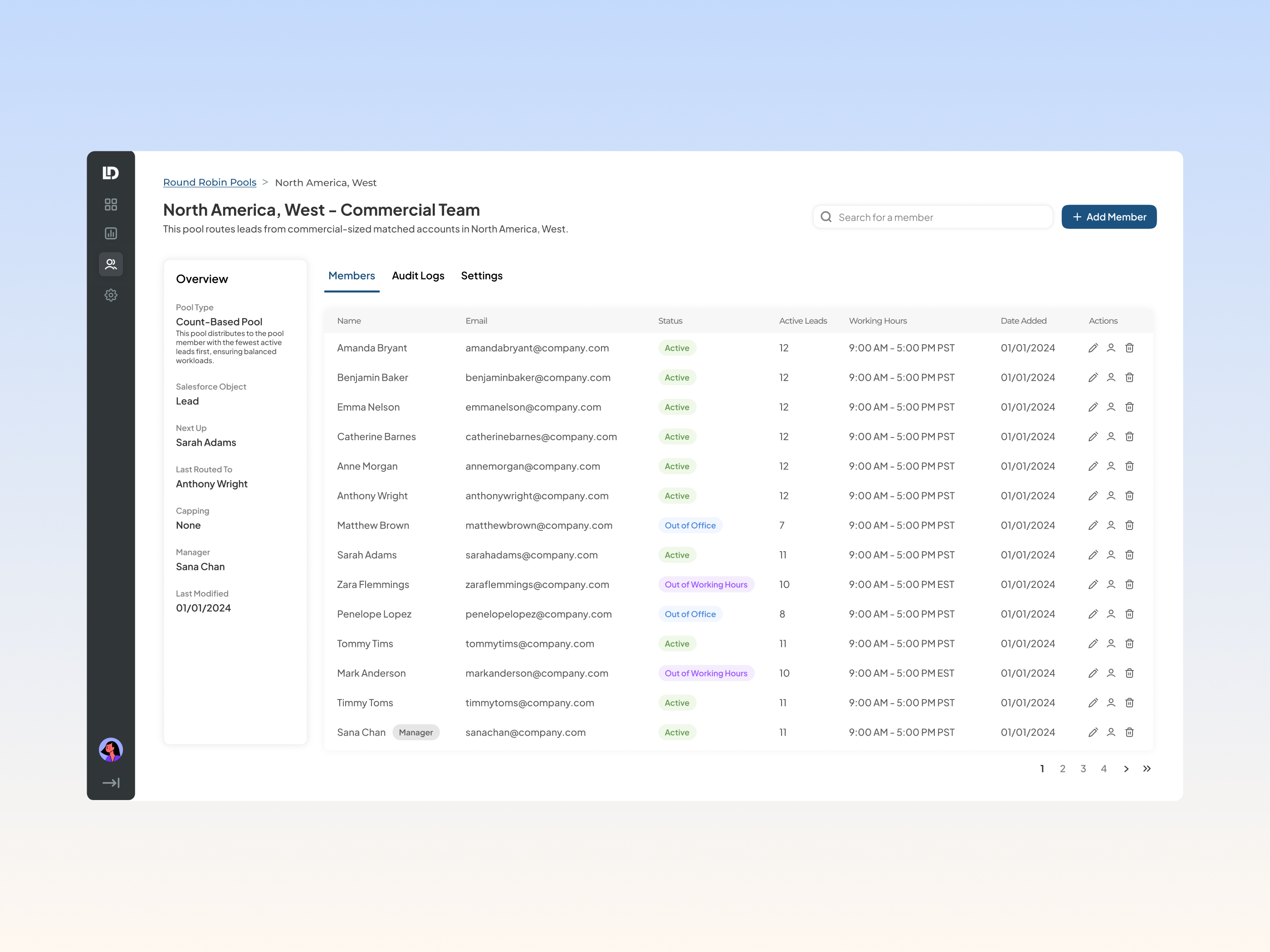
Keep reading
Off Platform case study cover
Next case study

Off Platform

Launched LeanData's first standalone product and unlocked $300K+ in new ARR, taking the platform beyond Salesforce.

Read it →
Tradeshow Events case study cover
Also

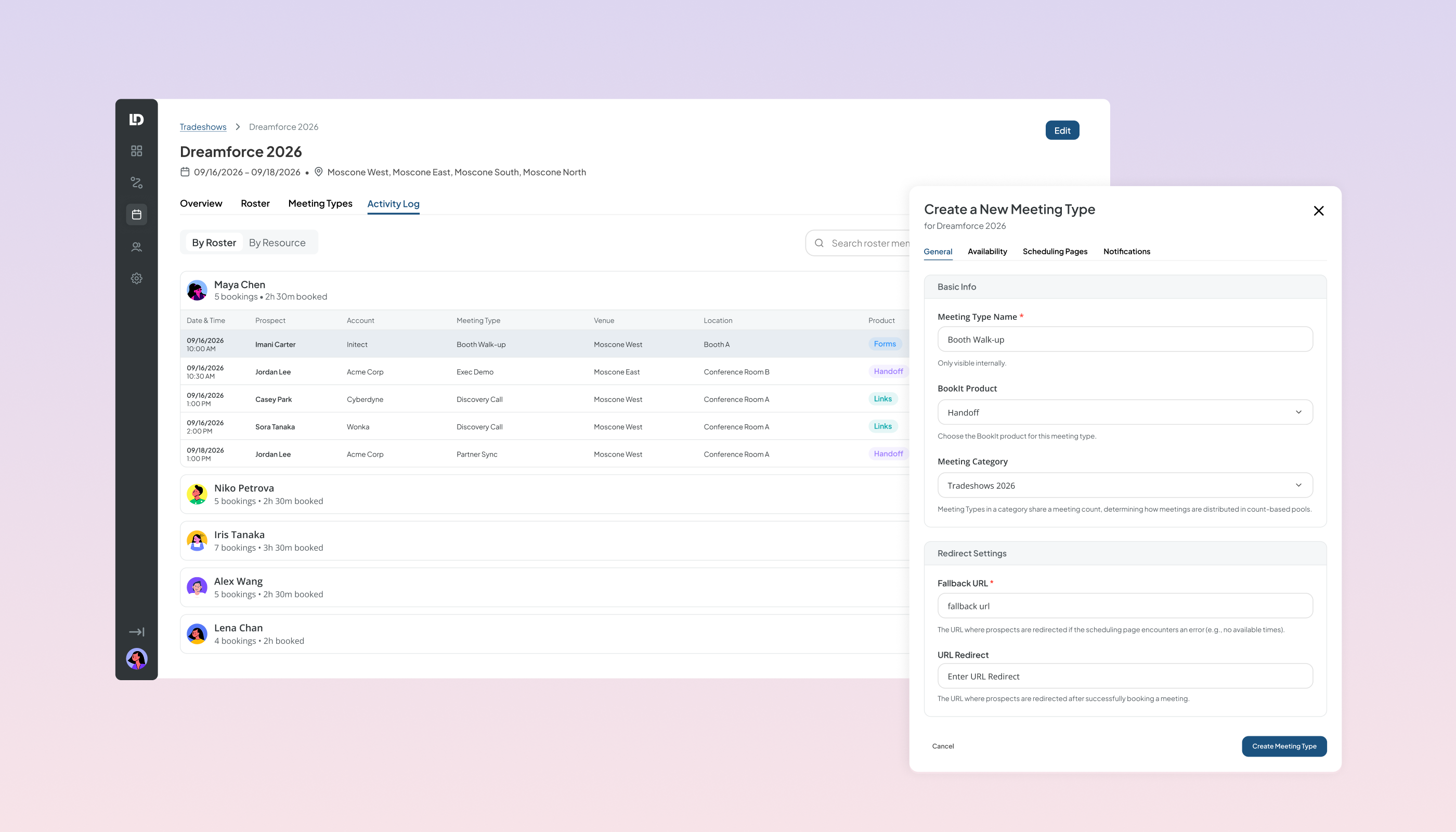
Tradeshow Events

BookIt's first event-scheduling system, built to close a competitive gap.

RevOps Agentic Platform case study cover, in progress
Also

RevOps Agentic Platform

Designing an AI agent companies trust with their customer data.

↑Back to top